


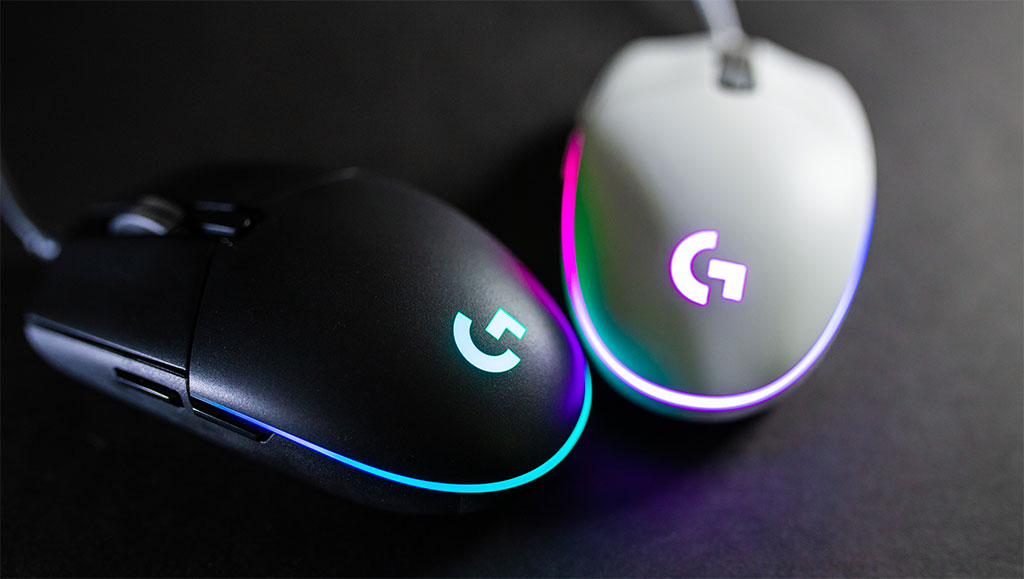
A good gaming mouse can significantly improve your gaming performance. Precision, speed, and comfort all play an important role when choosing the right mouse for competitive gaming or casual play.
Fortunately, you don’t need to spend a lot of money to get a high-quality gaming mouse. Many affordable models under $50 now offer excellent sensors, customizable buttons, and RGB lighting that rivals more expensive devices.
In this guide, we’ll look at some of the best budget gaming mice under $50 in 2026 that offer great performance and value.
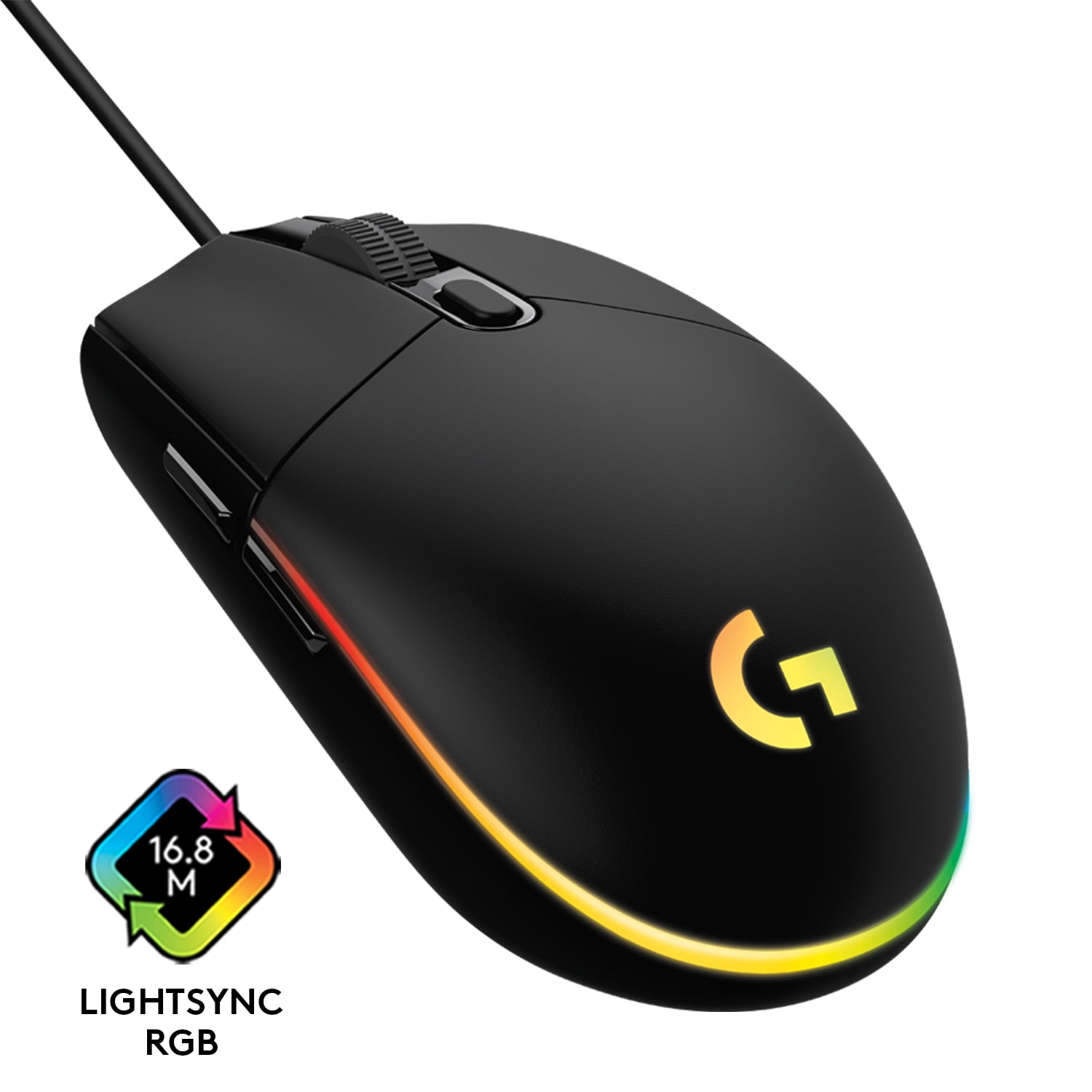
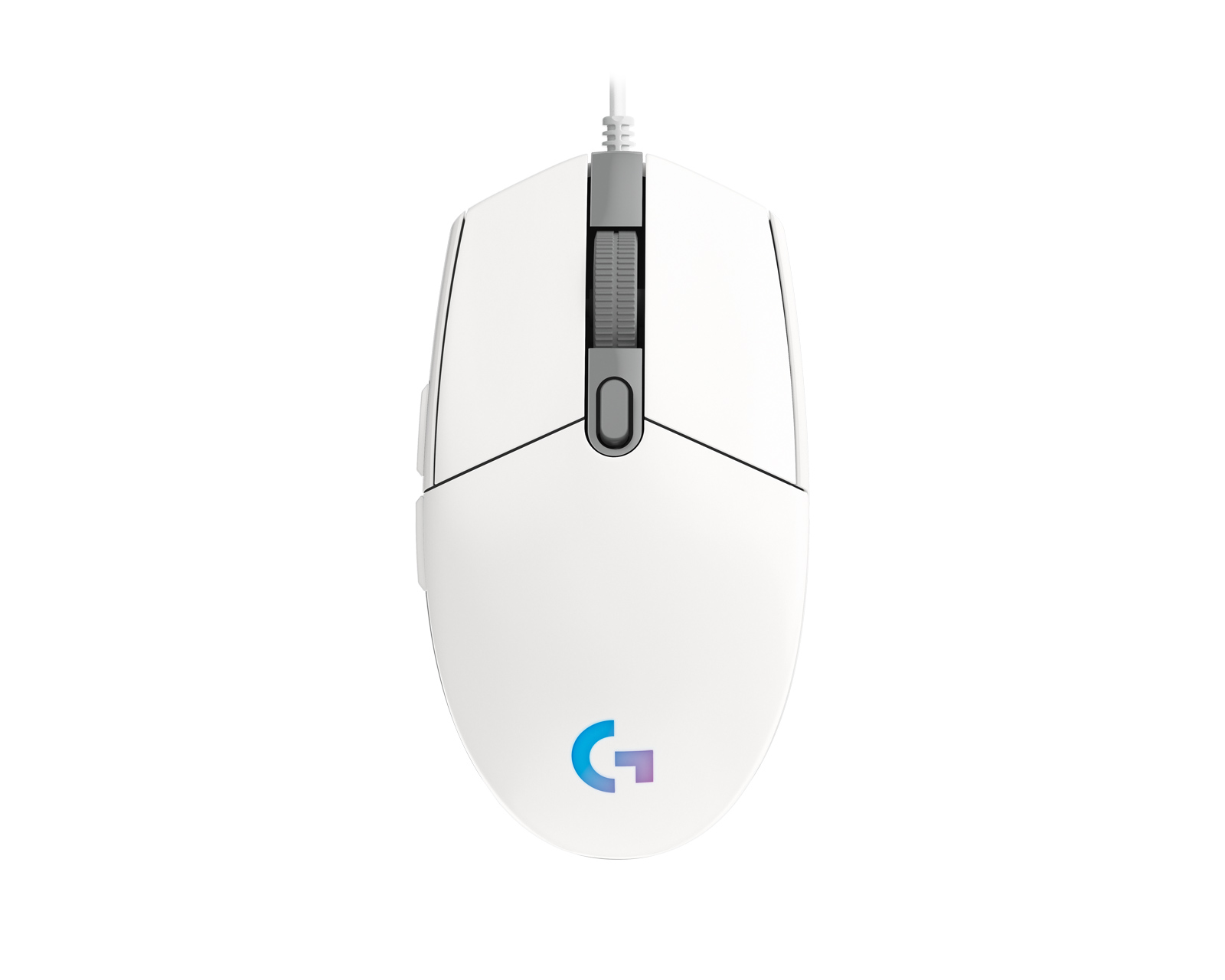
1. Logitech G203 Lightsync

Key Features
- 8000 DPI optical sensor
- RGB Lightsync lighting
- Lightweight design
Pros
- Excellent accuracy for gaming
- Comfortable for long sessions
- Affordable price
Cons
- Wired only
- Limited customization software
The Logitech G203 Lightsync is one of the most popular budget gaming mice available today. It offers a reliable sensor and a lightweight design that works well for both casual and competitive gamers. The RGB lighting also adds a stylish touch to any gaming setup.
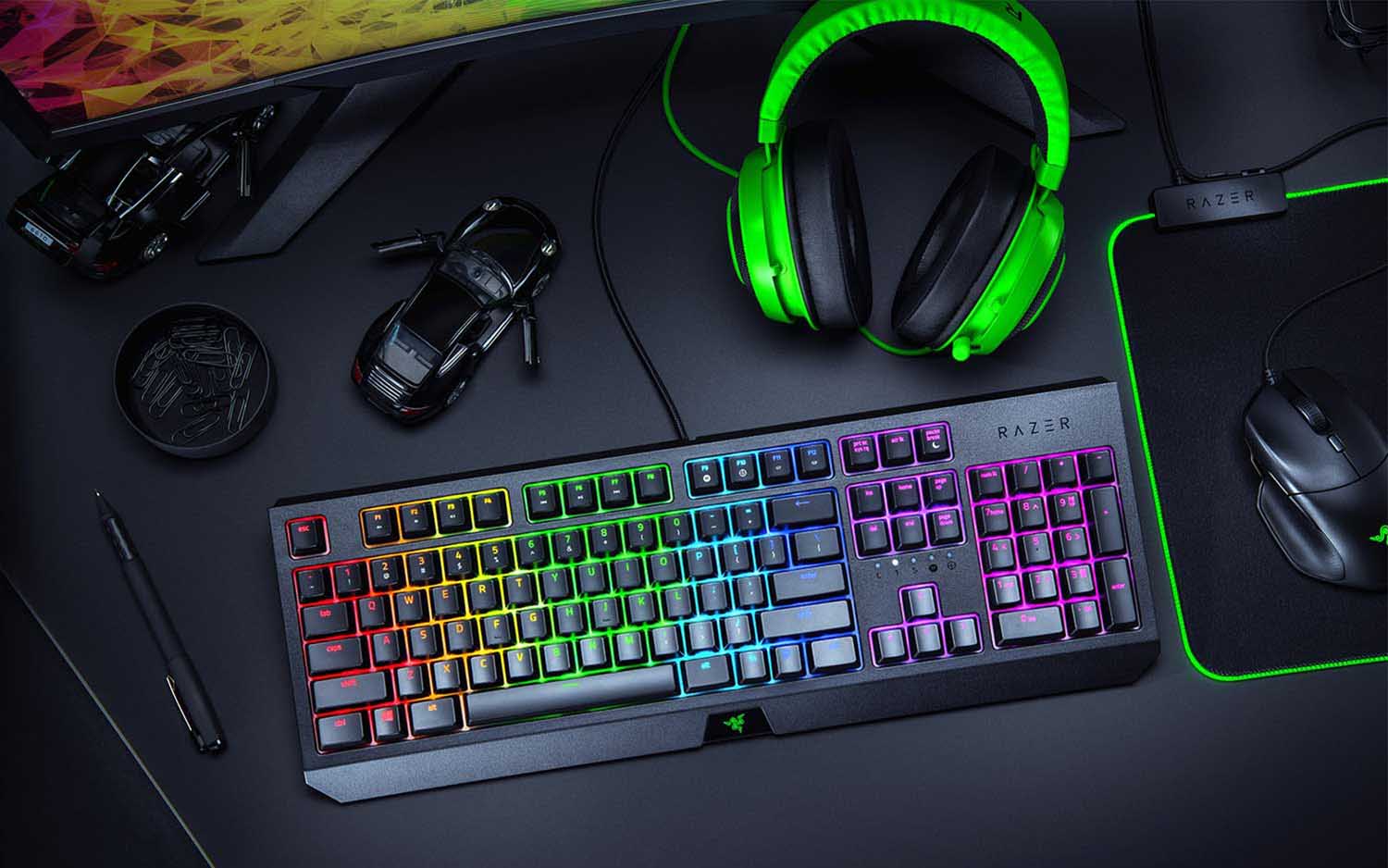
2. Razer Basilisk Essential


Key Features
- 6400 DPI optical sensor
- Customizable side paddle
- Ergonomic design
Pros
- Great for FPS games
- Comfortable grip
- Reliable Razer build quality
Cons
- Slightly heavier than other mice
The Razer Basilisk Essential is a great choice for gamers who prefer an ergonomic design. Its customizable paddle and precise sensor make it ideal for FPS games where quick reactions are essential.
3. SteelSeries Rival 3
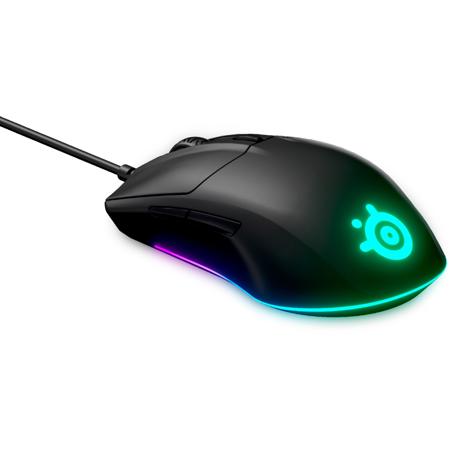


Key Features
- TrueMove Core optical sensor
- Durable mechanical switches
- Lightweight design
Pros
- Extremely accurate tracking
- Durable build quality
- Great value for money
Cons
- Basic RGB lighting
The SteelSeries Rival 3 is known for its excellent sensor performance and durability. It provides accurate tracking and a comfortable shape, making it a strong option for gamers who want performance without spending too much.
Buying Guide
Sensor Quality
A gaming mouse should have a reliable optical sensor with at least 6000 DPI for accurate tracking and responsiveness.
Comfort
Choose a mouse that fits your hand size and grip style, especially if you play for long gaming sessions.
Durability
Look for gaming mice with strong switches and durable materials to ensure long-term use.
Conclusion
Budget gaming mice under $50 have improved significantly in recent years. Many affordable models now offer high-performance sensors, comfortable designs, and customizable features that were once only available in premium gaming gear.
Whether you’re a competitive gamer or just looking for a reliable everyday mouse, the options above provide excellent value for money.
답글 남기기