In competitive FPS gaming, players often focus on improving aim, reaction time, and game sense. While these are essential skills, many overlook one of the most important factors that directly influences performance: the desk setup itself. Your desk setup is not just a place where you put your equipment. It is the physical environment that supports every movement you make, every shot you take, and every decision you execute during gameplay.
A poorly optimized desk setup can limit your potential without you even realizing it. Limited mouse space, uncomfortable posture, inconsistent surfaces, and poor equipment placement can all negatively affect your aim and movement. Over time, these small issues compound, leading to slower improvement and inconsistent performance.
On the other hand, a well-optimized FPS desk setup creates a stable and predictable environment. It allows you to move freely, maintain consistent posture, and focus entirely on the game. This is especially important for players who use low sensitivity, where large arm movements require more space and control.
Another important aspect is consistency. In FPS games, muscle memory plays a huge role. If your setup changes frequently or feels different every time you play, it becomes difficult to build reliable habits. A consistent setup allows your brain and body to adapt, making your movements more precise over time.
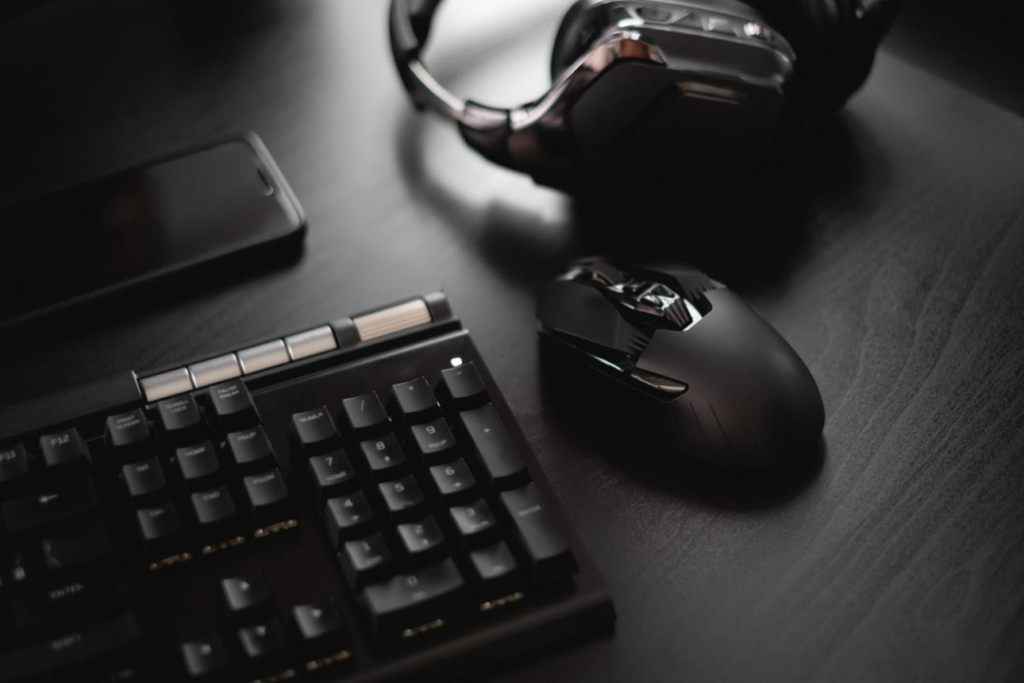
This guide will break down how to build an effective FPS gaming desk setup by focusing on the core components: mouse, keyboard, mousepad, headset, and overall desk environment. Instead of focusing on specific brands, we will focus on principles that actually improve performance. Whether you are a beginner or an experienced player, optimizing your setup can help you play more comfortably, react faster, and aim more consistently.
Top Setup Components


Mouse: Precision and Control
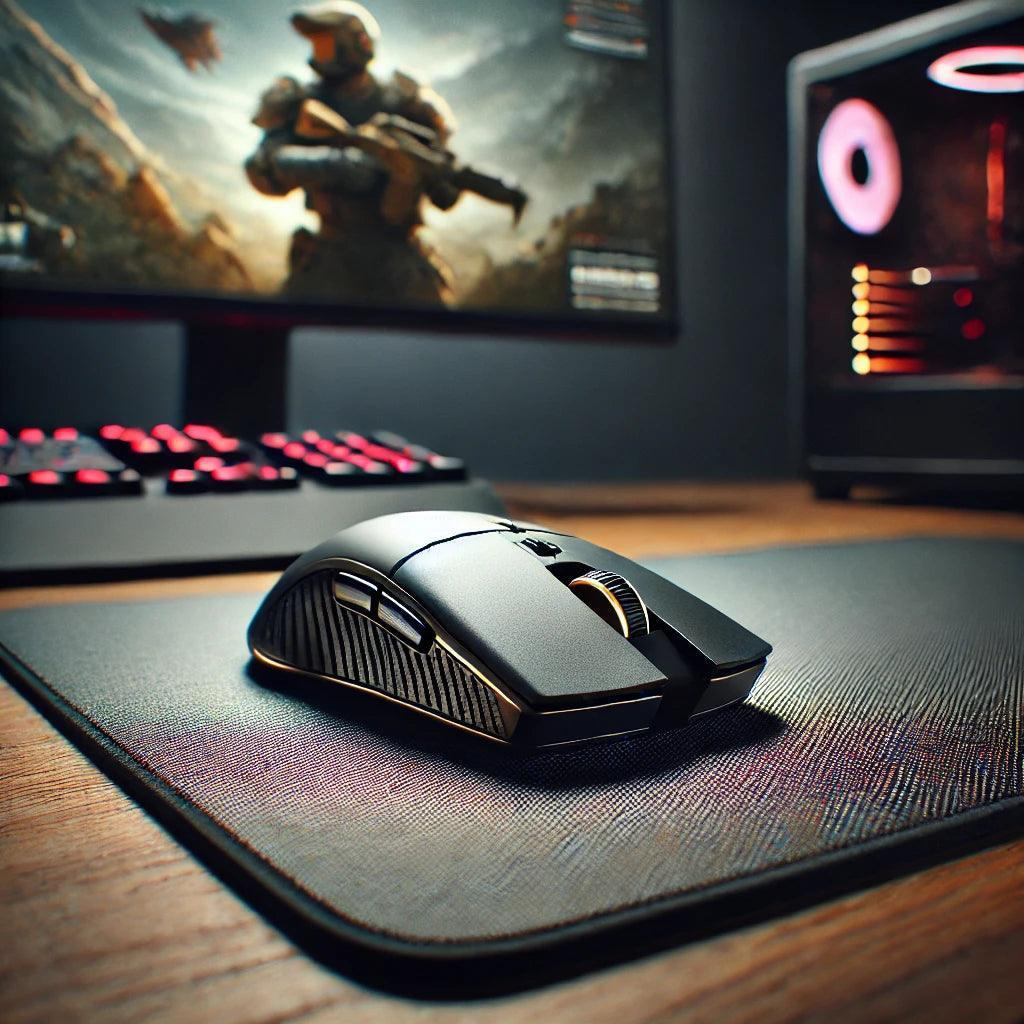
The mouse is the most critical tool in FPS gaming. It determines how accurately your hand movements are translated into in-game actions. A good mouse should provide consistent tracking, comfortable grip, and appropriate weight for your playstyle.
For low sensitivity players, lightweight mice are often preferred because they reduce fatigue during large arm movements. For high sensitivity players, slightly heavier mice can provide more control.
The shape of the mouse is equally important. A mouse that fits your hand naturally allows for better control and reduces strain during long sessions.
Keyboard: Movement and Timing
Your keyboard controls your movement, which is just as important as aim in FPS games. Strafing, peeking, and positioning all depend on how quickly and accurately you can input commands.
Mechanical keyboards are generally preferred because they provide faster response times and consistent feedback. Linear switches are especially popular among FPS players because they allow for smooth and rapid key presses.
The size of the keyboard also matters. Smaller keyboards, such as tenkeyless or 60% layouts, provide more space for mouse movement, which is beneficial for low sensitivity players.
Mousepad: Consistency and Surface Control
The mousepad plays a critical role in how your mouse performs. It affects both speed and control, which directly influence your aim.
A large mousepad is essential for FPS gaming, especially for players who use low sensitivity. It allows for wide movements without interruption.
Surface type also matters. Control surfaces provide more friction, helping with precise stopping, while speed surfaces allow for faster movement.
Headset: Awareness and Positioning
Sound is a key component of FPS gameplay. A good headset allows you to detect enemy positions through audio cues such as footsteps, gunfire, and movement sounds.
Clear and accurate sound improves reaction time and decision-making. This can give you a significant advantage, especially in competitive matches.
Comfort is also important, as long sessions require a headset that does not cause fatigue.
Desk Environment: Space and Ergonomics
Your desk setup ties everything together. A clean, spacious, and ergonomic environment allows for consistent performance.
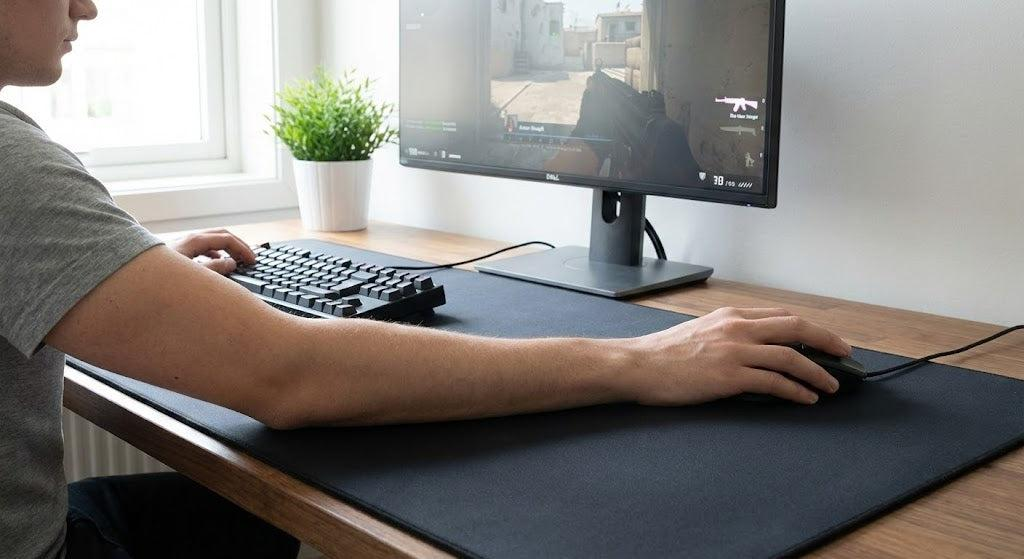
A large desk provides enough space for both your keyboard and mousepad. This is especially important for players who use low sensitivity.
Proper posture reduces strain and allows for better control. Your arm should move freely without obstruction.
Why It Matters for FPS


Every part of your setup contributes to your performance.
Your mouse affects aim consistency.
Your keyboard affects movement precision.
Your mousepad affects glide and control.
Your headset affects awareness.
Your desk setup affects comfort and stability.
When all these elements are optimized, they create a system that supports consistent performance.
Pros and Cons
Pros
- Improved aim consistency
- Better movement control
- Increased comfort
- Enhanced awareness
- More stable performance
Cons
- Requires time to optimize
- Personal preferences vary
- May need adjustments over time
Buying Guide


When building your setup, focus on what improves performance.
Choose a mouse that fits your hand.
Use a large mousepad for consistency.
Select a keyboard that allows fast input.
Use a headset with clear sound.
Keep your desk clean and organized.
Avoid unnecessary features. Simplicity and consistency are more important.
Real Gameplay Impact
In real matches, your setup influences every action you take.
A stable mousepad allows smooth tracking.
A responsive keyboard improves movement timing.
A clear headset improves positioning.
A clean desk setup reduces distractions.
Over time, these advantages lead to better performance.
Conclusion
An optimized FPS desk setup is not about expensive equipment. It is about creating a consistent and comfortable environment that supports your gameplay. Every component plays a role, and when they work together, they allow you to perform at your best.
Improving your setup will not instantly make you a better player, but it will remove limitations that slow your progress. With the right environment, your practice becomes more effective, your movements become more consistent, and your performance improves over time.
If you are serious about FPS gaming, your setup is not optional—it is essential.
답글 남기기