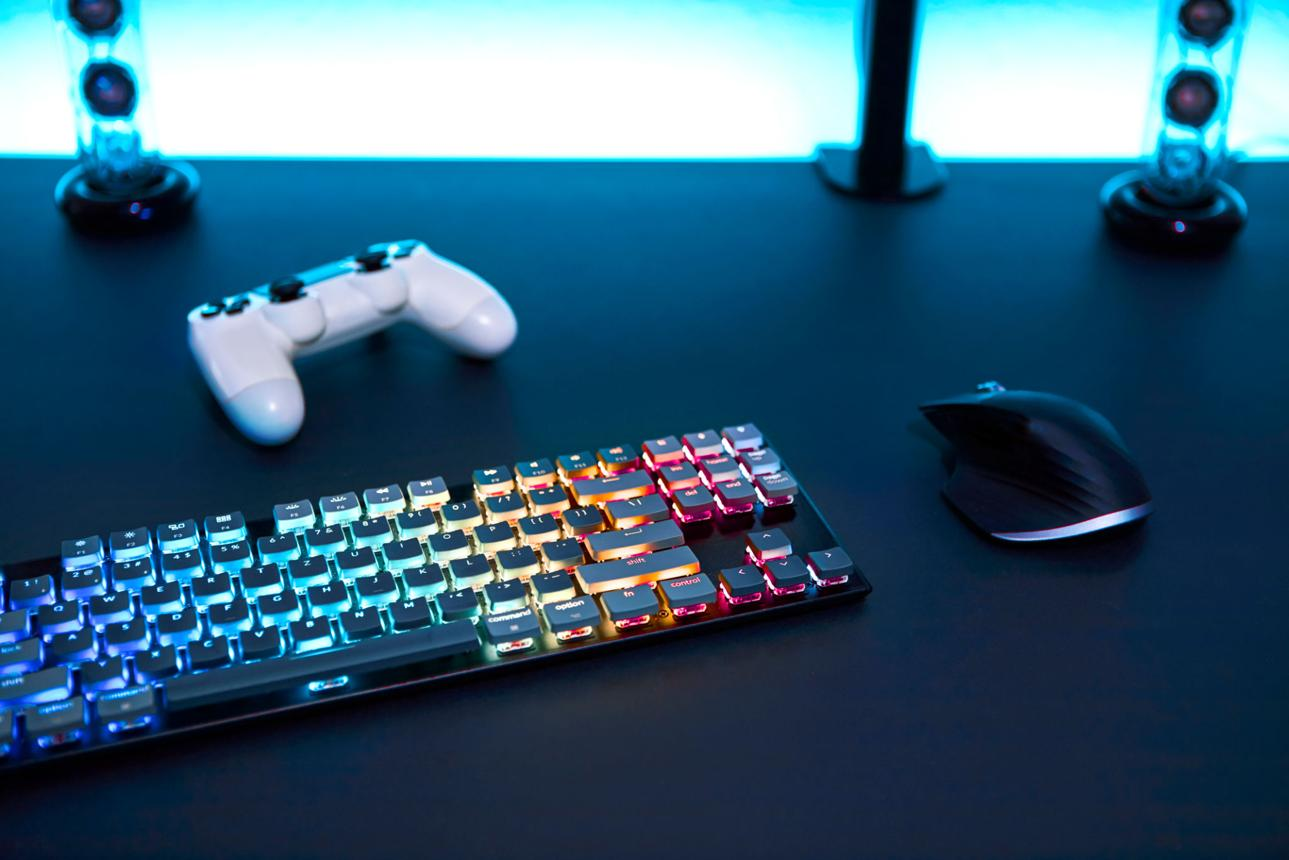
In modern FPS gaming, performance is often discussed in terms of aim, reflexes, and game sense. However, one of the most overlooked factors that directly impacts all of these skills is your physical gaming setup. A well-optimized FPS setup does not just make your desk look better—it directly influences how accurately you aim, how quickly you react, and how consistently you perform over time.
In games like Valorant, Counter-Strike 2, Call of Duty, and Apex Legends, even the smallest inconsistency can make a noticeable difference. Missing a single shot, reacting a fraction of a second too late, or misjudging an enemy’s position can decide the outcome of a fight. While practice is essential, your setup determines how effectively that practice translates into real performance.
Many players fall into the trap of focusing only on one piece of equipment, usually the mouse. While the mouse is extremely important, it is only one part of a much larger system. Your keyboard controls your movement, your mousepad affects how your mouse behaves, your headset provides critical information about enemy positioning, and your desk setup determines how comfortably and consistently you can play.
Another key factor is muscle memory. FPS gameplay relies heavily on repeating the same movements with high precision. If your setup is inconsistent, uncomfortable, or poorly arranged, your brain cannot develop reliable patterns. This slows down improvement and leads to frustration, even if you are practicing regularly.
A proper FPS setup is not about buying the most expensive gear. It is about understanding how each component contributes to your performance and making decisions that support your playstyle. When your setup is optimized, everything feels more natural. Your movements become smoother, your aim becomes more consistent, and your reactions become more reliable.
This guide will break down the complete FPS gaming setup into its core components: mouse, keyboard, mousepad, headset, and desk environment. More importantly, it will explain how each part affects your gameplay and how to optimize it for maximum performance.
Core Setup Components


Mouse: The Foundation of Aim
The mouse is the most important tool in FPS gaming because it directly controls your aim. Every movement you make with your hand is translated into in-game actions, which means any inconsistency in the mouse will directly affect your accuracy.
The most important qualities of a good FPS mouse are consistency, shape, and weight. Consistency ensures that your movements are predictable, allowing you to build muscle memory. Shape determines how comfortable the mouse feels in your hand, which affects control and endurance. Weight influences how easily you can move the mouse, which impacts both speed and fatigue.
For players who use low sensitivity, a lightweight mouse is often preferred because it allows for large arm movements without excessive effort. For players who prefer higher sensitivity, a slightly heavier mouse can provide more control during small adjustments.
However, there is no universally perfect mouse. The best choice depends on your grip style, hand size, and personal preference. What matters most is that the mouse feels natural and consistent during gameplay.
Keyboard: Movement and Precision Timing
While aim is critical in FPS games, movement is equally important. Your keyboard controls how you strafe, peek, and reposition yourself during fights. Good movement can make you harder to hit and give you better angles, which directly improves your chances of winning engagements.
Mechanical keyboards are generally preferred for FPS gaming because they offer faster response times and more consistent feedback. Linear switches are particularly popular because they allow for smooth and rapid key presses, which is important for quick directional changes.
Keyboard size also plays a role. Compact keyboards, such as tenkeyless or 60% layouts, provide more space for mouse movement. This is especially beneficial for low sensitivity players who need a larger range of motion.
Another important factor is key consistency. A reliable keyboard ensures that every input is registered accurately, which is essential for techniques like counter-strafing. In tactical shooters, the ability to stop movement instantly and shoot accurately can make a significant difference.
Mousepad: The Hidden Factor in Aim Consistency
The mousepad is often overlooked, but it plays a crucial role in FPS performance. It determines how your mouse moves across the surface, which directly affects your aim.
There are two main types of mousepads: control and speed. Control mousepads provide more friction, which helps with precise stopping and micro-adjustments. Speed mousepads offer less resistance, allowing for faster movement but requiring more control from the player.
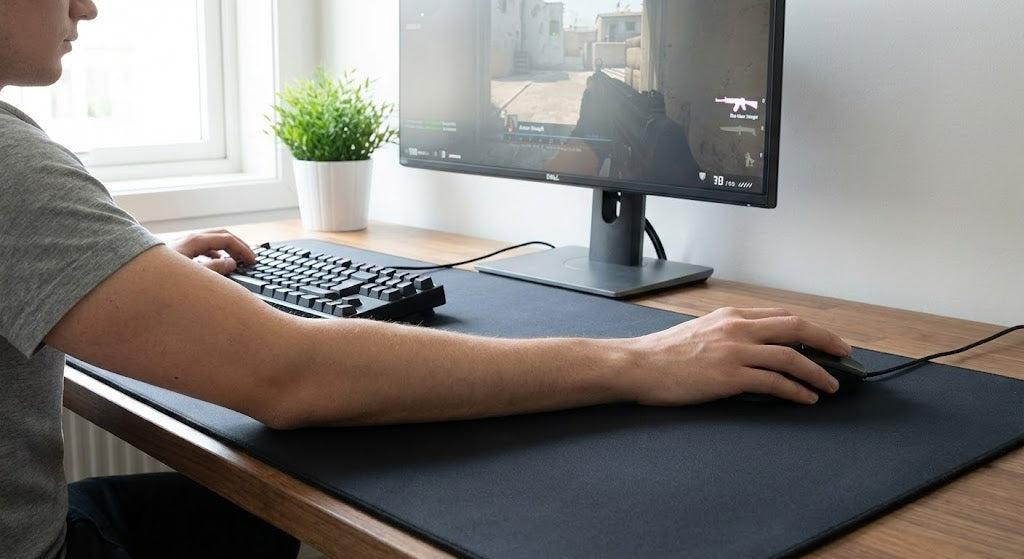
For FPS gaming, especially at low sensitivity, a large mousepad is highly recommended. It allows for wide arm movements without interruption, which is essential for consistent aiming.
Surface consistency is also important. A high-quality mousepad provides the same level of friction across the entire surface, ensuring predictable movement. This helps you build muscle memory and improves overall accuracy.
Headset: Awareness and Decision-Making
In FPS games, sound is not just an additional feature—it is a core part of gameplay. A good headset allows you to hear footsteps, gunfire, and other audio cues that provide information about enemy positions.
Directional audio is especially important. Being able to determine where a sound is coming from allows you to react before seeing the enemy. This gives you a significant advantage in many situations.
Clarity is more important than bass. While heavy bass may make explosions sound more impressive, it can drown out important details like footsteps. A headset with clear mids and highs is better suited for FPS gaming.
Comfort is also essential. Long gaming sessions require a headset that does not cause discomfort or fatigue.
Desk Environment: The Foundation of Consistency
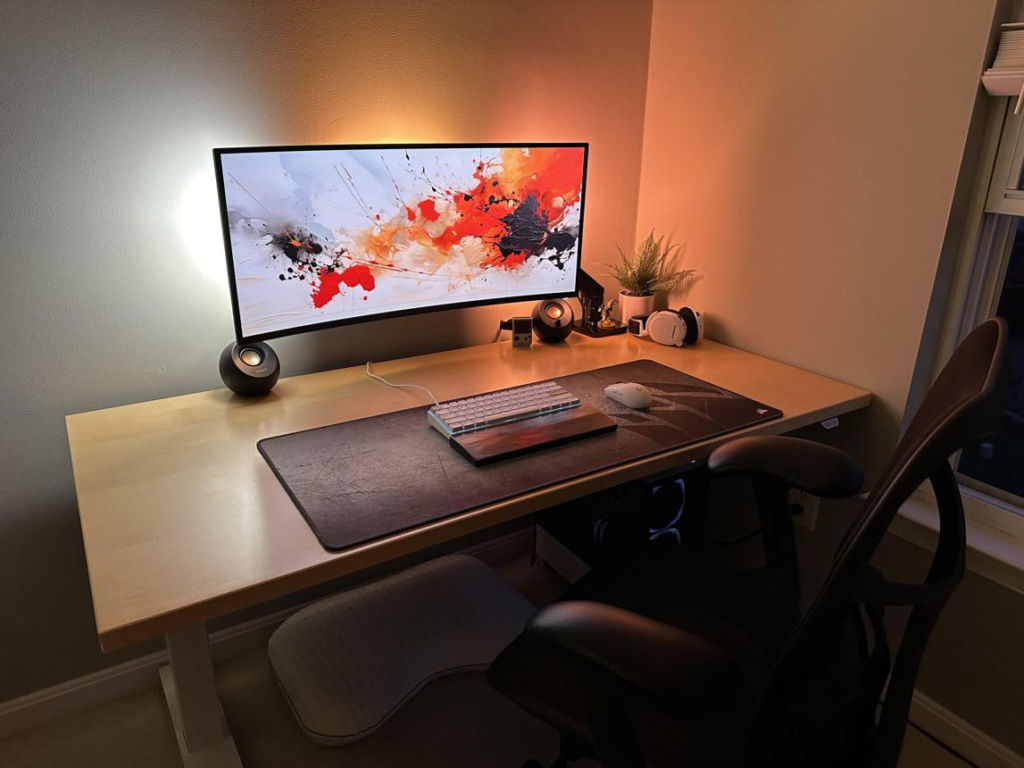
Your desk setup ties everything together. A clean, organized, and ergonomic environment allows you to perform consistently.
A large desk provides enough space for both your keyboard and mousepad. This is particularly important for low sensitivity players who need room for wide movements.
Posture also plays a critical role. Your arm should be able to move freely without obstruction. Your wrist should remain relaxed, and your shoulders should not be tense.
A clutter-free desk reduces distractions and allows you to focus entirely on the game. Even small improvements in your environment can lead to better performance over time.
Why It Matters for FPS


Every component of your setup contributes to your performance in a different way.
Your mouse determines how accurately you can aim.
Your keyboard controls how effectively you move.
Your mousepad affects how smoothly your mouse glides.
Your headset provides critical information about your surroundings.
Your desk setup ensures that all of these elements work together consistently.
When one part of the setup is weak, it creates a bottleneck. For example, a high-quality mouse will not perform well on a poor mousepad. Similarly, good aim becomes less effective if your movement is slow or inconsistent.
Optimizing your setup removes these limitations. It allows you to perform at your full potential and makes your practice more effective.
Pros and Cons of a Fully Optimized Setup
Pros
- Increased aim consistency and accuracy
- Improved movement control and timing
- Better sound awareness and positioning
- Reduced fatigue during long sessions
- More reliable performance in competitive matches
Cons
- Requires time and effort to optimize
- Personal preferences vary significantly
- Adjustments may be needed over time
Buying Guide


When building your FPS setup, focus on performance rather than features.
Choose a mouse that feels comfortable and consistent.
Use a large mousepad if you play with low sensitivity.
Select a keyboard that allows fast and reliable inputs.
Use a headset that provides clear directional audio.
Keep your desk clean and organized to reduce distractions.
Avoid unnecessary complexity. A simple and well-optimized setup is more effective than one filled with features that do not improve performance.
Conclusion
A complete FPS gaming setup is not just about individual components—it is about how everything works together. When your mouse, keyboard, mousepad, headset, and desk environment are all optimized, they create a system that supports consistent and reliable performance.
Improving your setup will not instantly make you a better player, but it will remove the limitations that slow your progress. It allows your practice to become more effective and helps you build the consistency needed to improve over time.
In FPS gaming, consistency is everything. A well-optimized setup gives you the foundation you need to develop that consistency and perform at your best.
답글 남기기