In competitive FPS gaming, players often focus heavily on improving their aim, movement, and overall mechanics. While these skills are essential, many overlook a critical factor that directly influences how quickly and accurately they can react: monitor settings. Your monitor is the window through which you experience the game, and if that window is not properly optimized, it can limit your performance in ways that are not immediately obvious.
In fast-paced shooters such as Valorant, Counter-Strike 2, Call of Duty, and Apex Legends, every frame matters. The ability to clearly see enemies, react to movement, and track targets smoothly depends not only on your skill but also on how your monitor displays information. Poor brightness, incorrect contrast, high input lag, or suboptimal refresh rates can all create disadvantages that make it harder to perform consistently.
Many players use default monitor settings without realizing that these presets are not designed for competitive gaming. Manufacturers often prioritize visual appeal over performance, which means colors may look vibrant but visibility may suffer. Shadows may appear too dark, highlights too bright, and motion may feel less responsive than it should.
Another important factor is consistency. Just like aim relies on muscle memory, visual processing relies on familiarity. If your screen looks different every time you play, your brain has to constantly adjust, which slows down reaction time. A properly calibrated monitor creates a stable visual environment, allowing you to react faster and more accurately.
This guide will explain how to optimize your monitor for FPS gaming, focusing on practical settings that improve visibility, reduce latency, and enhance overall performance. Instead of recommending specific products, it will help you understand how to adjust what you already have to gain a competitive advantage.
Core Monitor Settings for FPS


Brightness and Contrast
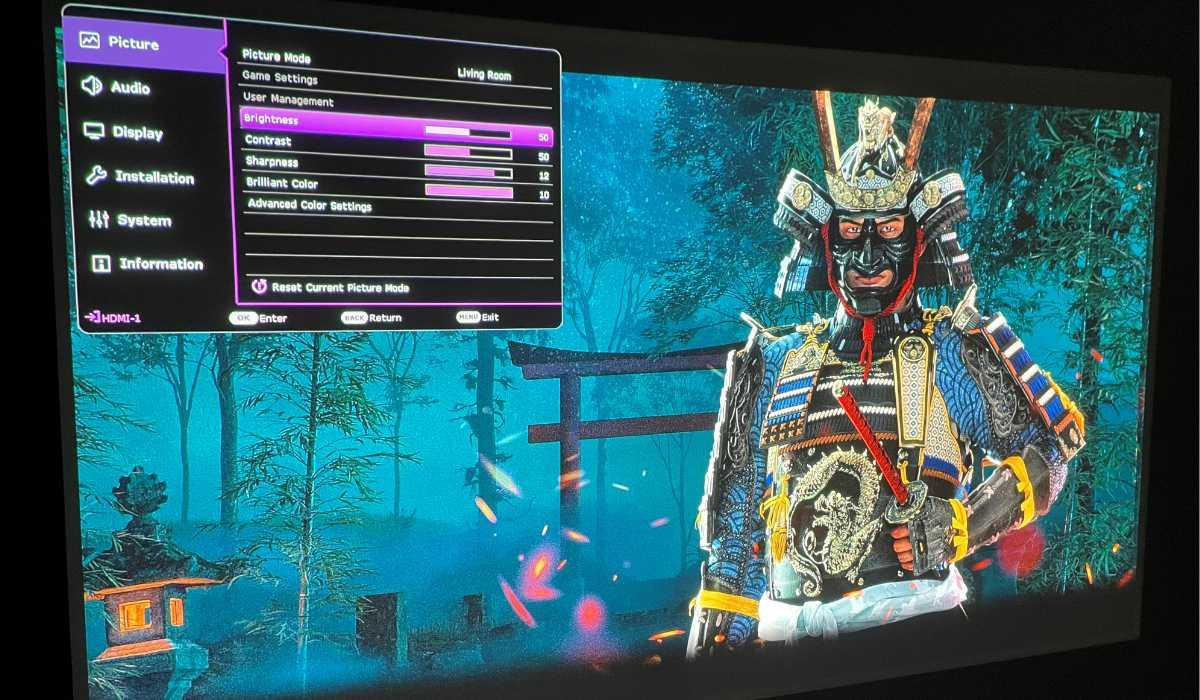
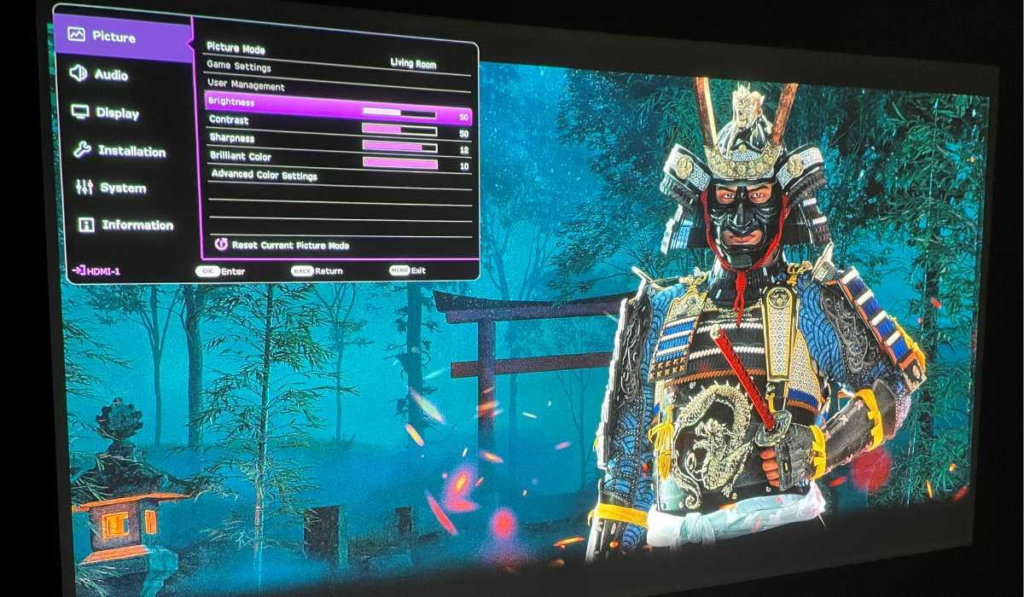
Brightness and contrast are two of the most important settings for visibility. In FPS games, enemies often appear in dark corners, shadows, or complex environments. If your brightness is too low, enemies may blend into the background. If it is too high, the image can become washed out, making it harder to distinguish details.
A balanced brightness setting allows you to see clearly without losing depth. Contrast should be adjusted so that the difference between dark and light areas is clear, but not exaggerated. Proper tuning of these settings helps you spot enemies faster and track them more effectively.
Refresh Rate
Refresh rate refers to how many times your monitor updates the image per second. A higher refresh rate results in smoother motion, which is crucial for FPS gaming.
Common refresh rates include:
- 60Hz (basic)
- 120Hz / 144Hz (standard for FPS)
- 240Hz and above (competitive level)
Higher refresh rates reduce motion blur and make enemy movement easier to track. This directly improves reaction time and aiming accuracy.
Response Time
Response time measures how quickly pixels change from one color to another. Lower response times reduce ghosting, which is the trail effect that appears behind moving objects.
In FPS games, ghosting can make it harder to track fast-moving enemies. Setting your monitor to the fastest stable response time helps maintain clarity during motion.
Input Lag Reduction
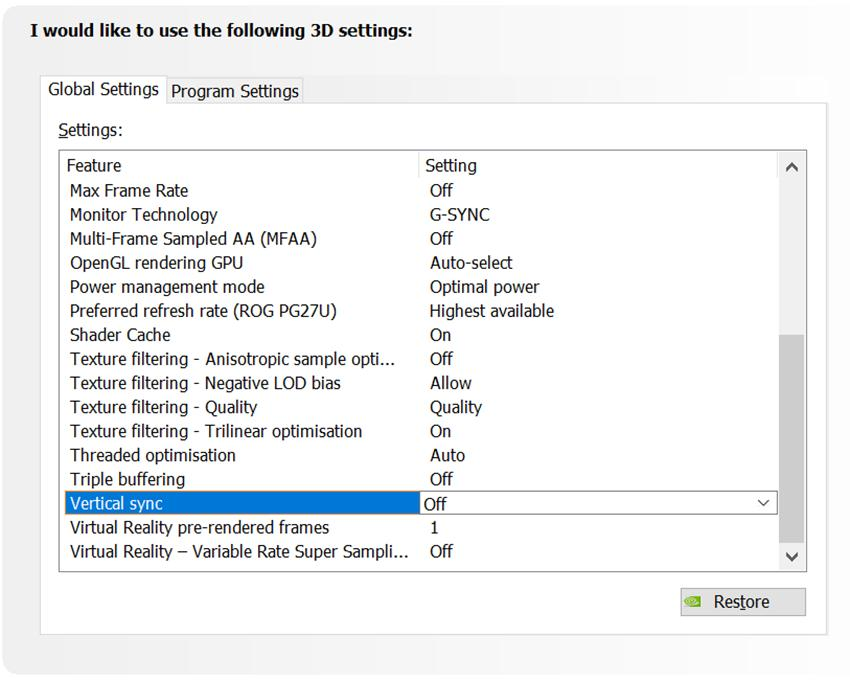
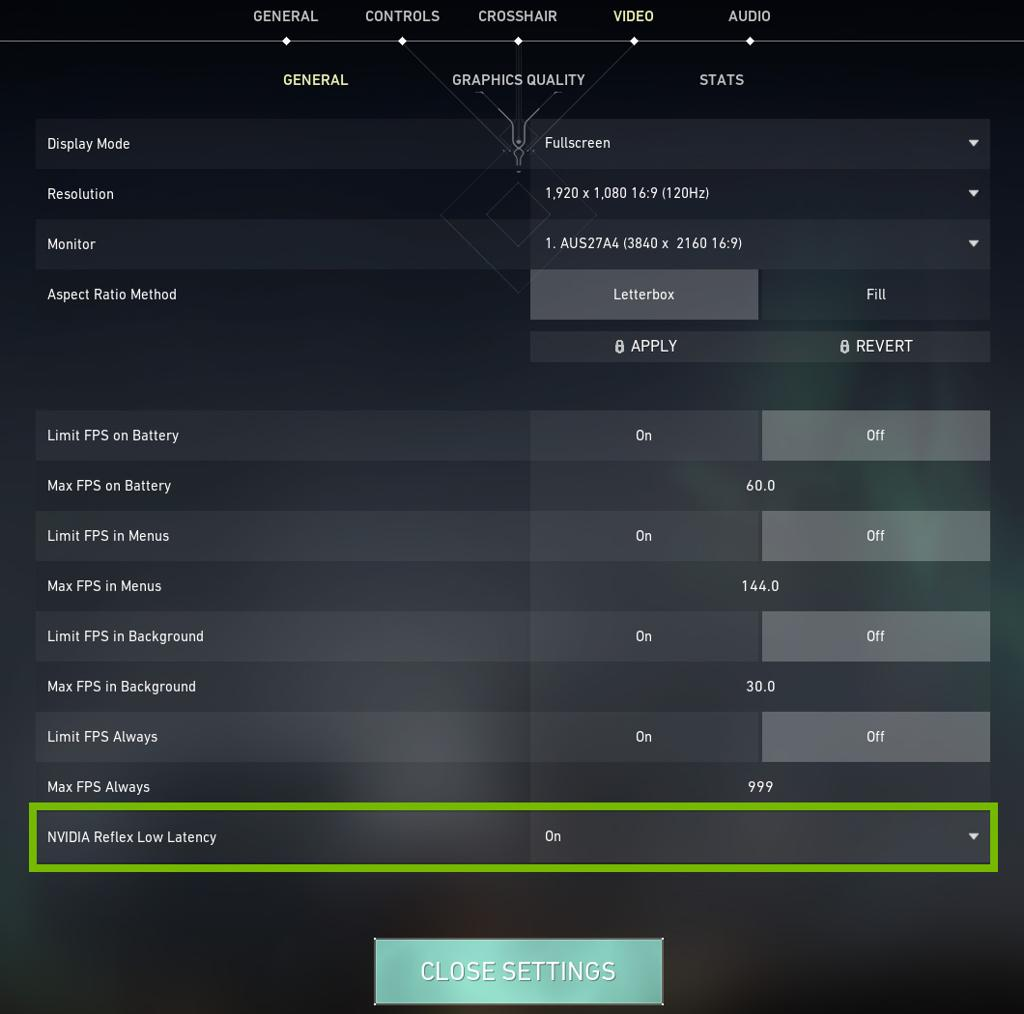
Input lag is the delay between your actions and what appears on screen. Lower input lag makes the game feel more responsive.
Many monitors include features such as “low latency mode” or “game mode,” which reduce processing delays. Enabling these features can improve responsiveness significantly.
Why Monitor Settings Matter for FPS


Monitor settings directly affect how you perceive the game.
First, visibility determines how quickly you can spot enemies. Proper brightness and contrast make it easier to detect movement and identify targets.
Second, motion clarity affects tracking. A higher refresh rate and lower response time create smoother visuals, allowing you to follow targets more accurately.
Third, latency impacts reaction time. Lower input lag means your actions are reflected on screen faster, giving you a competitive edge.
Fourth, consistency improves performance. A stable visual environment allows your brain to process information more efficiently.
Pros and Cons of Optimized Monitor Settings
Pros
- Improved enemy visibility
- Faster reaction times
- Smoother tracking
- More consistent gameplay
- Reduced visual fatigue
Cons
- Requires manual adjustment
- Results vary depending on monitor quality
- Some settings may reduce visual appeal
Advanced Optimization Tips


Black Equalizer / Shadow Boost
Many gaming monitors include features that brighten dark areas without affecting the entire image. This can make enemies in shadows more visible.
Gamma Adjustment
Gamma controls the overall brightness curve of the image. Adjusting gamma can help balance dark and light areas, improving visibility.
Color Calibration
While not directly related to performance, proper color calibration can reduce eye strain and improve long-term comfort.
Graphics Settings Integration
Monitor settings should be combined with in-game graphics settings. Lowering unnecessary visual effects can improve clarity and reduce distractions.
Buying Guide (Monitor Features for FPS)


When choosing or upgrading a monitor for FPS gaming, focus on performance-related features.
- High refresh rate (at least 144Hz)
- Low response time
- Low input lag
- Adjustable settings for brightness and contrast
Avoid focusing only on resolution or visual quality. Performance should be the priority for competitive play.
Real Gameplay Impact
Optimized monitor settings can make a noticeable difference in real matches.
Enemies become easier to spot.
Movement appears smoother.
Reactions feel faster.
Over time, these improvements lead to better consistency and performance.
Conclusion
Monitor settings are one of the most overlooked aspects of FPS gaming, yet they have a direct impact on performance. By optimizing brightness, contrast, refresh rate, response time, and latency, you can create a visual environment that supports faster reactions and more accurate aiming.
The key is not to chase perfect visuals, but to prioritize clarity and responsiveness. A well-optimized monitor allows you to see more, react faster, and perform more consistently.
In FPS gaming, small advantages add up. Improving your monitor settings may seem minor, but it can provide the extra edge needed to compete at a higher level.
답글 남기기