In competitive FPS games, most players focus on improving their aim, movement, and reaction time. However, one of the most important factors that directly affects performance is often ignored: network stability. No matter how good your aim is, if your connection is unstable or your ping is too high, your gameplay will suffer. Shots may not register properly, movements can feel delayed, and enemies may appear to react faster than you, even if your reflexes are strong.
Ping, latency, and network stability are critical elements in online FPS games such as Valorant, Counter-Strike 2, Call of Duty, and Apex Legends. These games rely on real-time communication between your computer and the game server. Any delay in this communication can result in lag, which creates a noticeable disadvantage. In fast-paced games where milliseconds matter, even a small delay can determine the outcome of a fight.
Many players assume that lag is something they cannot control, blaming their internet provider or location. While these factors do play a role, there are many practical steps you can take to significantly reduce ping and improve stability. Optimizing your network setup can make your gameplay feel smoother, more responsive, and more consistent.
Another important aspect is consistency. Just like aim relies on muscle memory, your reaction timing depends on stable latency. If your connection fluctuates, it becomes difficult to predict how your inputs will behave. This leads to inconsistent performance, even if your skills are improving.
This guide will explain how ping works, why lag occurs, and how to optimize your network for FPS gaming. Instead of focusing on expensive upgrades, it will provide practical solutions that most players can implement immediately. Whether you are playing casually or competitively, improving your network performance can have a noticeable impact on your results.
Understanding Ping and Latency


Ping refers to the time it takes for data to travel from your computer to the game server and back. It is measured in milliseconds (ms). Lower ping means faster communication, which results in more responsive gameplay.
Latency is closely related to ping but includes all delays in the communication process. This includes your local network, your internet provider, and the distance to the server.
For FPS gaming:
- Under 20 ms → Excellent
- 20–50 ms → Good
- 50–100 ms → Playable
- Over 100 ms → Noticeable delay
Another important concept is jitter. Jitter refers to fluctuations in latency. Even if your average ping is low, high jitter can cause inconsistent gameplay, making it harder to react accurately.
Packet loss is another issue. This occurs when data does not reach the server properly, resulting in missing information. In FPS games, this can cause rubberbanding or delayed actions.
Understanding these concepts is important because it allows you to identify the source of your connection issues.
Why Network Performance Matters for FPS


Network performance directly affects how the game responds to your actions.
First, hit registration depends on latency. If your ping is high, your shots may register later than expected. This can make it feel like your bullets are not hitting, even when your aim is correct.
Second, reaction time is affected. In high-ping situations, enemies may appear to react faster because the server processes their actions sooner.
Third, movement becomes inconsistent. Lag can cause delayed or skipped movement, making it harder to control your character.
Fourth, peeker’s advantage becomes more noticeable. Players with lower latency often have an advantage when peeking corners, as their actions are processed faster.
All of these factors create a situation where skill alone is not enough. A stable connection is required to perform consistently.
Pros and Cons of Network Optimization
Pros
- Lower ping and faster response
- More consistent gameplay
- Better hit registration
- Improved reaction timing
- Competitive advantage
Cons
- May require setup changes
- Some factors depend on location
- Requires troubleshooting
Practical Ways to Reduce Ping


1. Use a Wired Connection
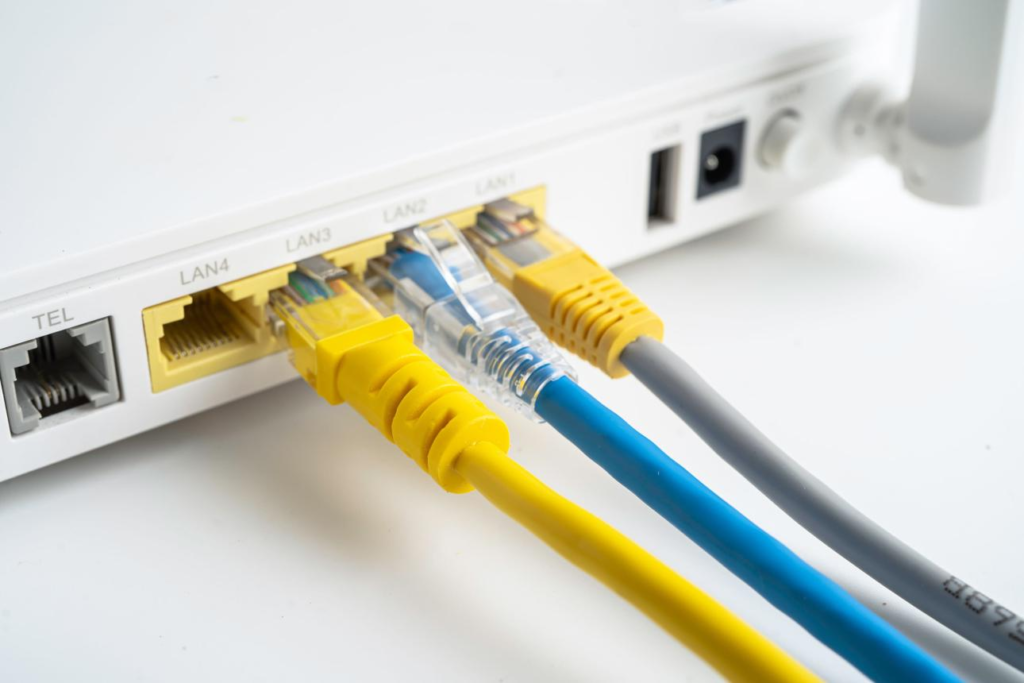
A wired Ethernet connection is the most effective way to reduce ping and improve stability. Wi-Fi connections are more prone to interference, which can cause lag spikes.
2. Optimize Router Placement
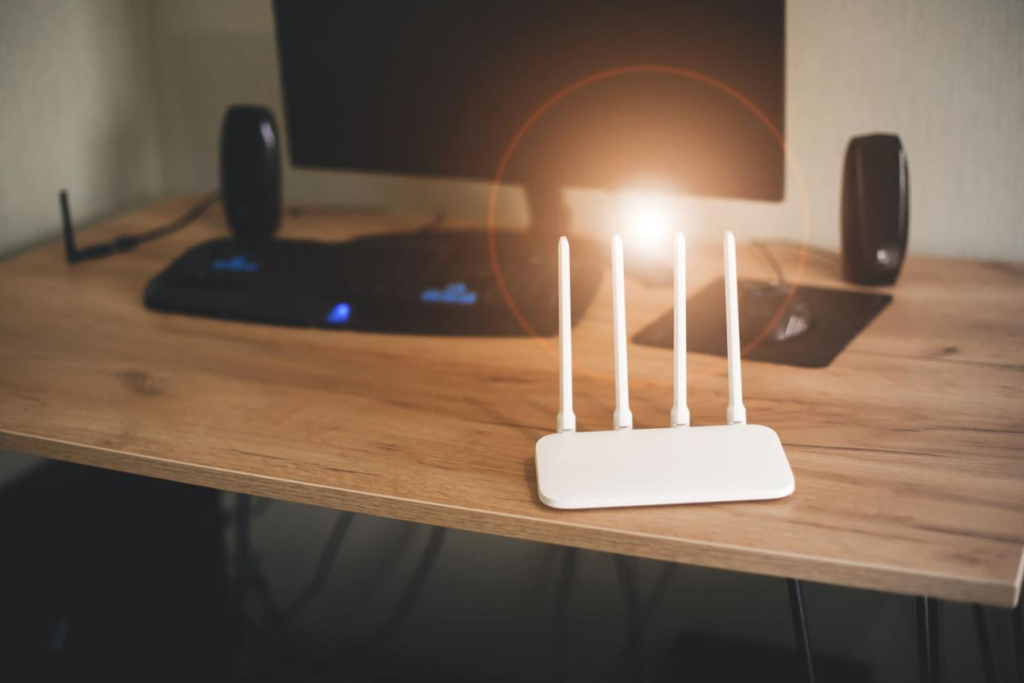
Place your router in an open area, away from walls and electronic devices. This improves signal strength and reduces interference.
3. Close Background Applications
Applications that use the internet can increase latency. Closing unnecessary programs can improve performance.
4. Choose the Right Server
Always select the server closest to your location. This reduces the distance data needs to travel, lowering ping.
5. Restart Network Equipment
Restarting your modem and router can fix temporary issues and improve connection quality.
Advanced Optimization Tips


Quality of Service (QoS)
QoS settings allow you to prioritize gaming traffic over other devices. This ensures that your connection remains stable during gameplay.
Port Forwarding
Some games benefit from port forwarding, which allows direct communication with servers. This can reduce latency in certain situations.
Network Traffic Management
Limiting bandwidth usage on other devices can improve your gaming performance.
Buying Guide (Network Setup for FPS)


When improving your network for FPS gaming, focus on:
- Stable internet connection
- Reliable router
- Wired connection
- Proper setup
Avoid unnecessary upgrades unless they solve a specific problem.
Real Gameplay Impact
Players with optimized networks experience smoother gameplay.
Their shots register more consistently.
Their reactions feel more accurate.
Over time, this leads to better performance and more confidence.
Conclusion
Network performance is one of the most important but overlooked aspects of FPS gaming. While skill and practice are essential, a stable and low-latency connection allows you to perform at your full potential.
By understanding how ping, latency, and network stability work, and by applying simple optimization techniques, you can significantly improve your gameplay experience. A better connection leads to more consistent performance, which is the foundation of improvement in FPS games.
답글 남기기