[작성자:] gimj34490@gmail.com

  • How to Reduce Ping and Lag in FPS Games (2026 Guide): Network Optimization for Competitive Gaming

    How to Reduce Ping and Lag in FPS Games (2026 Guide): Network Optimization for Competitive Gaming

    In competitive FPS games, most players focus on improving their aim, movement, and reaction time. However, one of the most important factors that directly affects performance is often ignored: network stability. No matter how good your aim is, if your connection is unstable or your ping is too high, your gameplay will suffer. Shots may not register properly, movements can feel delayed, and enemies may appear to react faster than you, even if your reflexes are strong.

    Ping, latency, and network stability are critical elements in online FPS games such as Valorant, Counter-Strike 2, Call of Duty, and Apex Legends. These games rely on real-time communication between your computer and the game server. Any delay in this communication can result in lag, which creates a noticeable disadvantage. In fast-paced games where milliseconds matter, even a small delay can determine the outcome of a fight.

    Many players assume that lag is something they cannot control, blaming their internet provider or location. While these factors do play a role, there are many practical steps you can take to significantly reduce ping and improve stability. Optimizing your network setup can make your gameplay feel smoother, more responsive, and more consistent.

    Another important aspect is consistency. Just like aim relies on muscle memory, your reaction timing depends on stable latency. If your connection fluctuates, it becomes difficult to predict how your inputs will behave. This leads to inconsistent performance, even if your skills are improving.

    This guide will explain how ping works, why lag occurs, and how to optimize your network for FPS gaming. Instead of focusing on expensive upgrades, it will provide practical solutions that most players can implement immediately. Whether you are playing casually or competitively, improving your network performance can have a noticeable impact on your results.


    Understanding Ping and Latency

    Ping refers to the time it takes for data to travel from your computer to the game server and back. It is measured in milliseconds (ms). Lower ping means faster communication, which results in more responsive gameplay.

    Latency is closely related to ping but includes all delays in the communication process. This includes your local network, your internet provider, and the distance to the server.

    For FPS gaming:

    • Under 20 ms → Excellent
    • 20–50 ms → Good
    • 50–100 ms → Playable
    • Over 100 ms → Noticeable delay

    Another important concept is jitter. Jitter refers to fluctuations in latency. Even if your average ping is low, high jitter can cause inconsistent gameplay, making it harder to react accurately.

    Packet loss is another issue. This occurs when data does not reach the server properly, resulting in missing information. In FPS games, this can cause rubberbanding or delayed actions.

    Understanding these concepts is important because it allows you to identify the source of your connection issues.


    Why Network Performance Matters for FPS

    Network performance directly affects how the game responds to your actions.

    First, hit registration depends on latency. If your ping is high, your shots may register later than expected. This can make it feel like your bullets are not hitting, even when your aim is correct.

    Second, reaction time is affected. In high-ping situations, enemies may appear to react faster because the server processes their actions sooner.

    Third, movement becomes inconsistent. Lag can cause delayed or skipped movement, making it harder to control your character.

    Fourth, peeker’s advantage becomes more noticeable. Players with lower latency often have an advantage when peeking corners, as their actions are processed faster.

    All of these factors create a situation where skill alone is not enough. A stable connection is required to perform consistently.


    Pros and Cons of Network Optimization

    Pros

    • Lower ping and faster response
    • More consistent gameplay
    • Better hit registration
    • Improved reaction timing
    • Competitive advantage

    Cons

    • May require setup changes
    • Some factors depend on location
    • Requires troubleshooting

    Practical Ways to Reduce Ping

    1. Use a Wired Connection

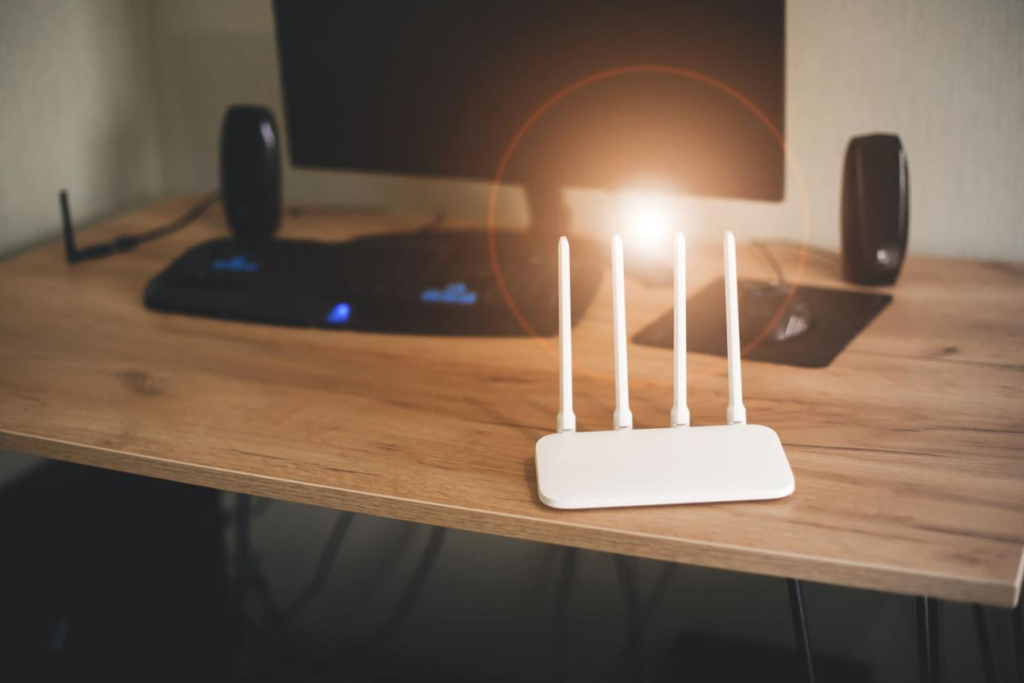
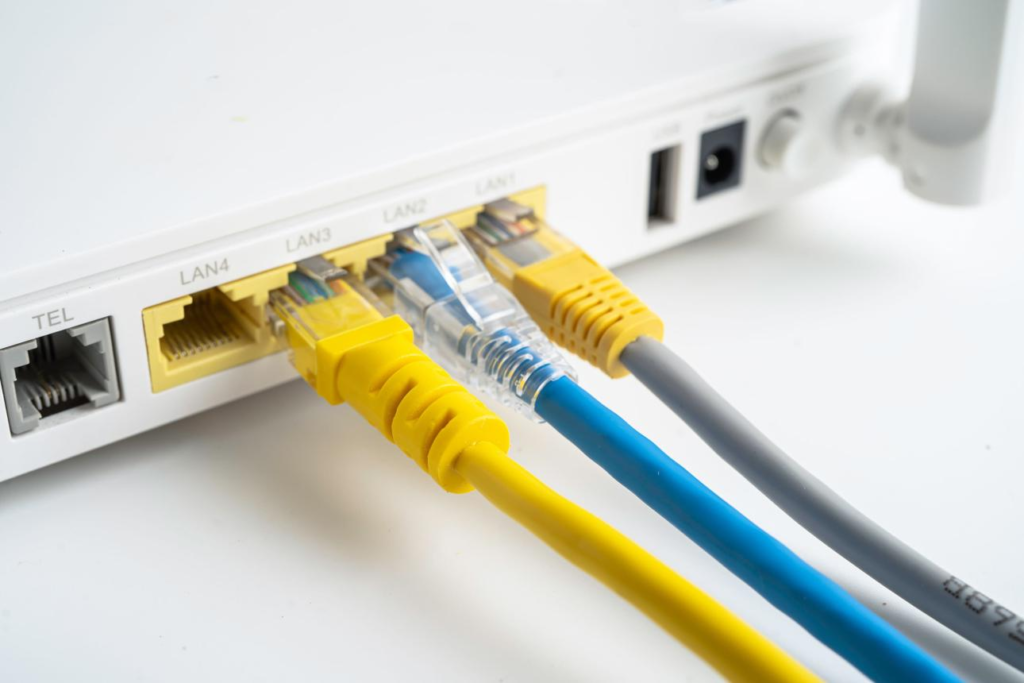
    A wired Ethernet connection is the most effective way to reduce ping and improve stability. Wi-Fi connections are more prone to interference, which can cause lag spikes.

    2. Optimize Router Placement

    Place your router in an open area, away from walls and electronic devices. This improves signal strength and reduces interference.

    3. Close Background Applications

    Applications that use the internet can increase latency. Closing unnecessary programs can improve performance.

    4. Choose the Right Server

    Always select the server closest to your location. This reduces the distance data needs to travel, lowering ping.

    5. Restart Network Equipment

    Restarting your modem and router can fix temporary issues and improve connection quality.


    Advanced Optimization Tips

    Quality of Service (QoS)

    QoS settings allow you to prioritize gaming traffic over other devices. This ensures that your connection remains stable during gameplay.

    Port Forwarding

    Some games benefit from port forwarding, which allows direct communication with servers. This can reduce latency in certain situations.

    Network Traffic Management

    Limiting bandwidth usage on other devices can improve your gaming performance.


    Buying Guide (Network Setup for FPS)

    When improving your network for FPS gaming, focus on:

    • Stable internet connection
    • Reliable router
    • Wired connection
    • Proper setup

    Avoid unnecessary upgrades unless they solve a specific problem.


    Real Gameplay Impact

    Players with optimized networks experience smoother gameplay.
    Their shots register more consistently.
    Their reactions feel more accurate.

    Over time, this leads to better performance and more confidence.


    Conclusion

    Network performance is one of the most important but overlooked aspects of FPS gaming. While skill and practice are essential, a stable and low-latency connection allows you to perform at your full potential.

    By understanding how ping, latency, and network stability work, and by applying simple optimization techniques, you can significantly improve your gameplay experience. A better connection leads to more consistent performance, which is the foundation of improvement in FPS games.
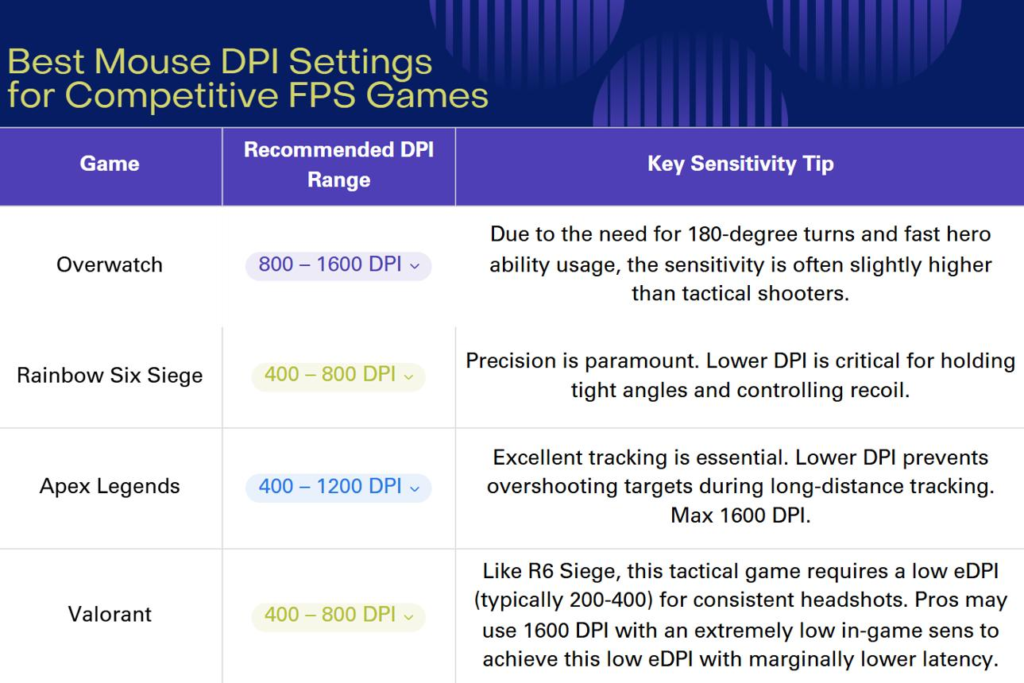
  • Best Sensitivity and DPI Settings for FPS Games (2026 Guide): How to Find Your Perfect Aim Setup

    Best Sensitivity and DPI Settings for FPS Games (2026 Guide): How to Find Your Perfect Aim Setup

    One of the most common questions in FPS gaming is: “What sensitivity should I use?” Many players search for the “perfect settings,” hoping to instantly improve their aim. However, sensitivity and DPI are not one-size-fits-all settings. They are deeply personal and depend on your playstyle, your setup, and how your body interacts with your mouse.

    In games like Valorant, Counter-Strike 2, and Apex Legends, sensitivity affects every aspect of your gameplay. It determines how fast your crosshair moves, how accurately you can track targets, and how consistently you can land shots. Even small changes in sensitivity can have a significant impact on your performance.

    Another important concept is DPI (dots per inch), which measures how sensitive your mouse is to physical movement. DPI works together with in-game sensitivity to create your overall sensitivity. Understanding how these two settings interact is essential for finding a setup that feels natural and consistent.

    Many beginners make the mistake of copying professional players’ settings without understanding why those settings work. While pro settings can be a useful reference, they are not guaranteed to work for everyone. Factors such as desk space, mousepad size, grip style, and personal comfort all play a role in determining the best sensitivity for you.

    Consistency is the most important factor. Once you find a sensitivity that feels comfortable, sticking with it allows your brain to build muscle memory. Changing sensitivity too often can slow down your progress and make your aim feel inconsistent.

    This guide will explain how sensitivity and DPI work, how to find the right settings for your playstyle, and how your overall setup influences your aim. Instead of giving a single “best” setting, it will help you understand the principles behind good sensitivity so you can make the right choice for yourself.


    Top Sensitivity Styles

    Low Sensitivity (Arm Aim)

    Low sensitivity is commonly used by professional players, especially in tactical FPS games. It requires large arm movements to move the crosshair, which allows for more precise control.

    Advantages:

    • Better accuracy
    • Easier micro-adjustments
    • More consistent aim

    Disadvantages:

    • Requires large mousepad
    • More physical effort

    Low sensitivity is ideal for players who prioritize precision over speed.


    Medium Sensitivity (Balanced Approach)

    Medium sensitivity provides a balance between speed and control. It allows for both arm and wrist movement, making it versatile for different situations.

    Advantages:

    • Flexible movement
    • Easier to adapt
    • Balanced performance

    Disadvantages:

    • Less specialized

    This is a good starting point for most players.


    High Sensitivity (Wrist Aim)

    High sensitivity relies mostly on wrist movement. It allows for very fast crosshair movement with minimal physical effort.

    Advantages:

    • Fast reactions
    • Less desk space required

    Disadvantages:

    • Harder to control
    • Less consistent for precision

    High sensitivity is often used in fast-paced games but is less common in tactical shooters.


    Why It Matters for FPS

    Sensitivity directly affects how you aim and react.

    First, it determines your tracking ability. Lower sensitivity allows smoother tracking, while higher sensitivity requires more precise control.

    Second, it affects flick shots. A sensitivity that is too high can make it difficult to stop accurately, while one that is too low can slow down your reactions.

    Third, it influences recoil control. Consistent sensitivity helps you manage weapon patterns more effectively.

    Finally, it impacts muscle memory. Using the same sensitivity consistently allows your brain to learn and repeat movements accurately.


    Pros and Cons of Different Sensitivity Settings

    Low Sensitivity

    Pros:

    • High precision
    • Consistent aim
    • Better control

    Cons:

    • Requires more space
    • Slower turning speed

    High Sensitivity

    Pros:

    • Fast movement
    • Quick reactions

    Cons:

    • Lower accuracy
    • Harder to control

    Medium Sensitivity

    Pros:

    • Balanced performance
    • Easier to adapt

    Cons:

    • Not optimized for specific playstyles

    Buying Guide (Setup That Supports Sensitivity)

    Your setup should match your sensitivity.

    If you use low sensitivity:

    • Use a large mousepad
    • Choose a lightweight mouse
    • Ensure enough desk space

    If you use high sensitivity:

    • Focus on control
    • Use a stable surface

    Your keyboard and desk setup should also support comfortable movement.


    How to Find Your Perfect Sensitivity

    Start with a comfortable DPI, such as 400 or 800.
    Adjust your in-game sensitivity gradually.
    Test your aim in real matches, not just training.
    Focus on consistency rather than quick results.

    Avoid changing settings too frequently.


    Real Gameplay Impact

    Players with optimized sensitivity perform more consistently.
    They react faster, aim more accurately, and feel more confident.

    Over time, this leads to better results and steady improvement.


    Conclusion

    Sensitivity and DPI are fundamental to FPS performance. They affect every aspect of your gameplay, from aim to movement to reaction time. While there is no universal “best” setting, understanding how sensitivity works allows you to find the right balance for your playstyle.

    The key is consistency. Once you find a setting that feels natural, stick with it and build muscle memory over time. Combined with a well-optimized setup, the right sensitivity can significantly improve your performance and help you reach a higher level of play.

  • Complete FPS Gaming Setup Optimization Guide (2026): Mouse, Keyboard, Mousepad, Headset, and Desk Performance

    Complete FPS Gaming Setup Optimization Guide (2026): Mouse, Keyboard, Mousepad, Headset, and Desk Performance

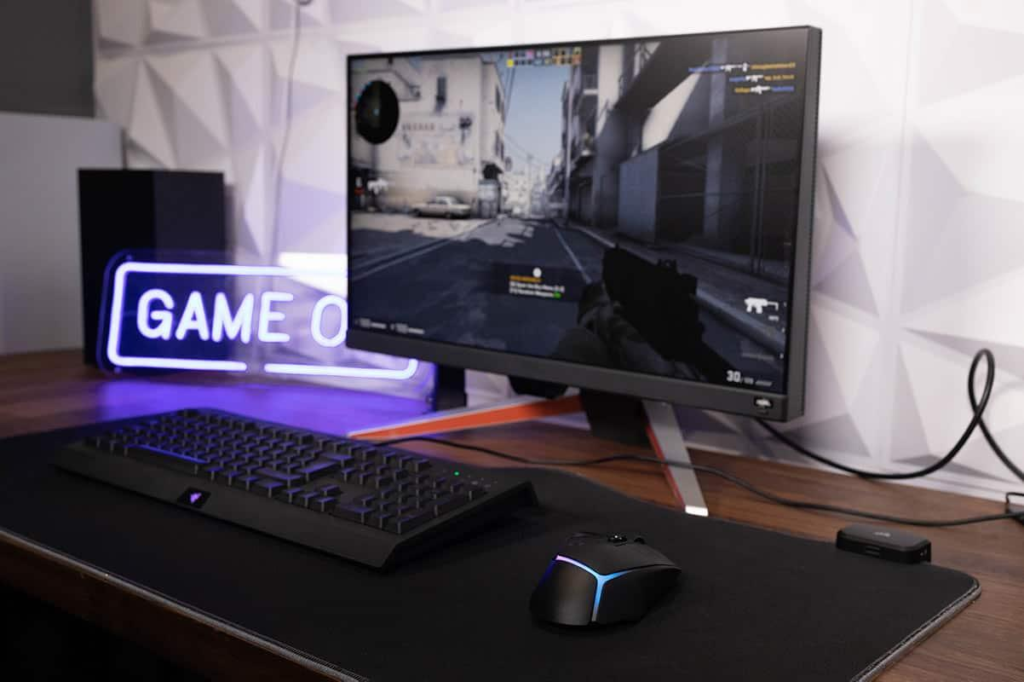
    In modern FPS gaming, performance is often discussed in terms of aim, reflexes, and game sense. However, one of the most overlooked factors that directly impacts all of these skills is your physical gaming setup. A well-optimized FPS setup does not just make your desk look better—it directly influences how accurately you aim, how quickly you react, and how consistently you perform over time.

    In games like Valorant, Counter-Strike 2, Call of Duty, and Apex Legends, even the smallest inconsistency can make a noticeable difference. Missing a single shot, reacting a fraction of a second too late, or misjudging an enemy’s position can decide the outcome of a fight. While practice is essential, your setup determines how effectively that practice translates into real performance.

    Many players fall into the trap of focusing only on one piece of equipment, usually the mouse. While the mouse is extremely important, it is only one part of a much larger system. Your keyboard controls your movement, your mousepad affects how your mouse behaves, your headset provides critical information about enemy positioning, and your desk setup determines how comfortably and consistently you can play.

    Another key factor is muscle memory. FPS gameplay relies heavily on repeating the same movements with high precision. If your setup is inconsistent, uncomfortable, or poorly arranged, your brain cannot develop reliable patterns. This slows down improvement and leads to frustration, even if you are practicing regularly.

    A proper FPS setup is not about buying the most expensive gear. It is about understanding how each component contributes to your performance and making decisions that support your playstyle. When your setup is optimized, everything feels more natural. Your movements become smoother, your aim becomes more consistent, and your reactions become more reliable.

    This guide will break down the complete FPS gaming setup into its core components: mouse, keyboard, mousepad, headset, and desk environment. More importantly, it will explain how each part affects your gameplay and how to optimize it for maximum performance.


    Core Setup Components

    Mouse: The Foundation of Aim

    The mouse is the most important tool in FPS gaming because it directly controls your aim. Every movement you make with your hand is translated into in-game actions, which means any inconsistency in the mouse will directly affect your accuracy.

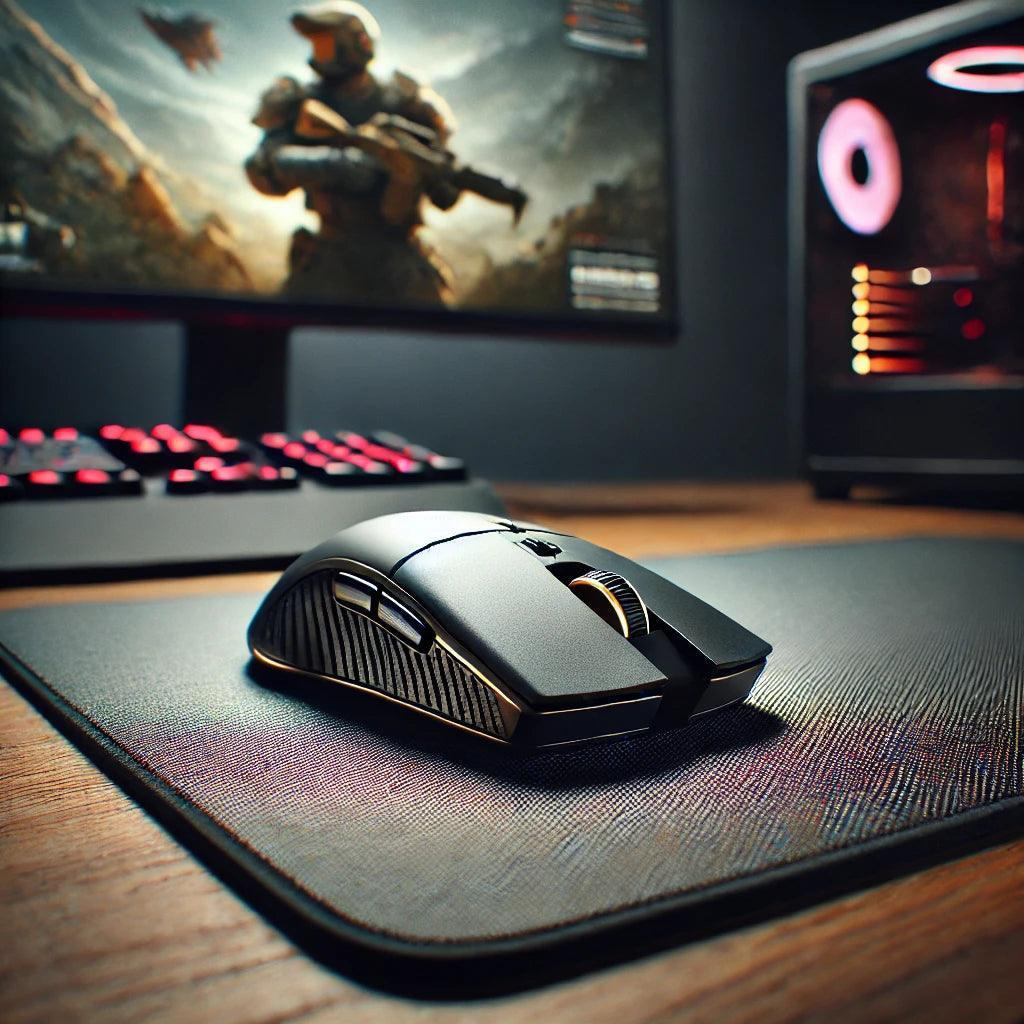
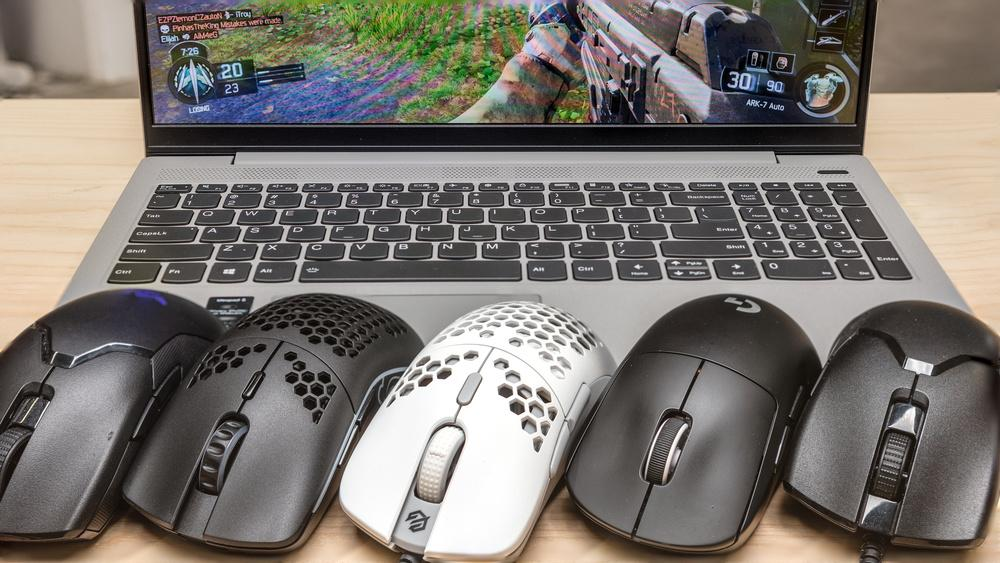
    The most important qualities of a good FPS mouse are consistency, shape, and weight. Consistency ensures that your movements are predictable, allowing you to build muscle memory. Shape determines how comfortable the mouse feels in your hand, which affects control and endurance. Weight influences how easily you can move the mouse, which impacts both speed and fatigue.

    For players who use low sensitivity, a lightweight mouse is often preferred because it allows for large arm movements without excessive effort. For players who prefer higher sensitivity, a slightly heavier mouse can provide more control during small adjustments.

    However, there is no universally perfect mouse. The best choice depends on your grip style, hand size, and personal preference. What matters most is that the mouse feels natural and consistent during gameplay.


    Keyboard: Movement and Precision Timing

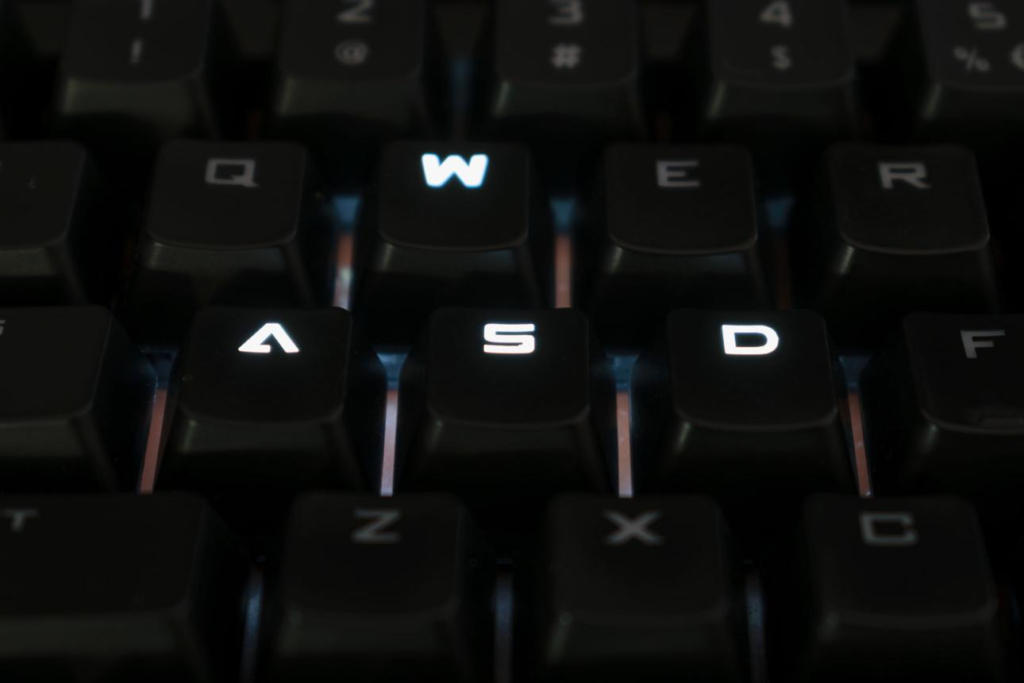
    While aim is critical in FPS games, movement is equally important. Your keyboard controls how you strafe, peek, and reposition yourself during fights. Good movement can make you harder to hit and give you better angles, which directly improves your chances of winning engagements.

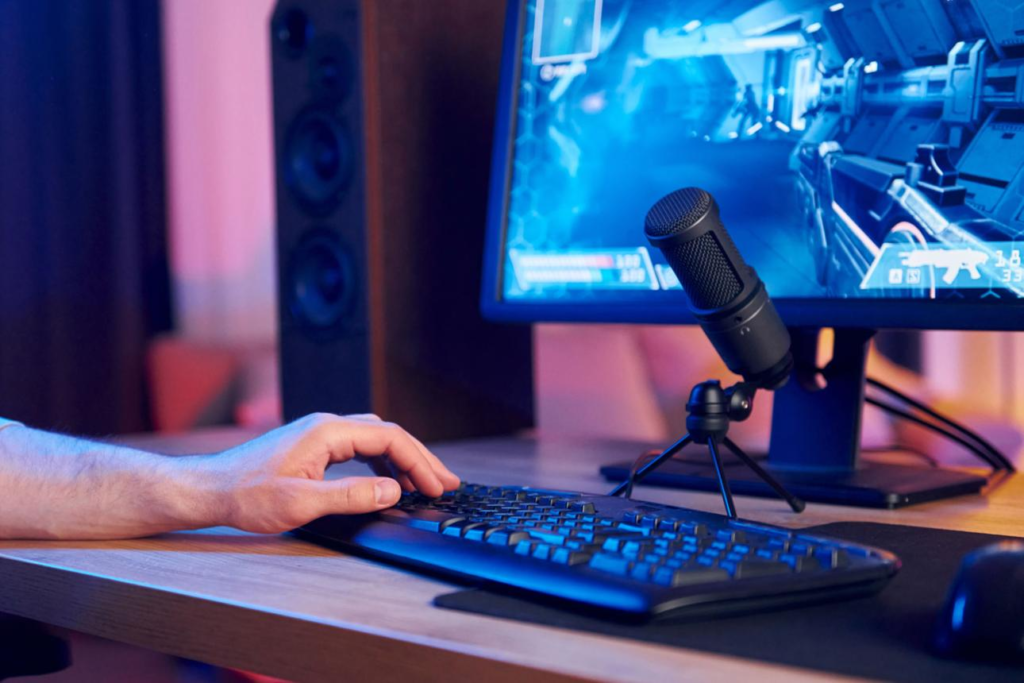
    Mechanical keyboards are generally preferred for FPS gaming because they offer faster response times and more consistent feedback. Linear switches are particularly popular because they allow for smooth and rapid key presses, which is important for quick directional changes.

    Keyboard size also plays a role. Compact keyboards, such as tenkeyless or 60% layouts, provide more space for mouse movement. This is especially beneficial for low sensitivity players who need a larger range of motion.

    Another important factor is key consistency. A reliable keyboard ensures that every input is registered accurately, which is essential for techniques like counter-strafing. In tactical shooters, the ability to stop movement instantly and shoot accurately can make a significant difference.


    Mousepad: The Hidden Factor in Aim Consistency

    The mousepad is often overlooked, but it plays a crucial role in FPS performance. It determines how your mouse moves across the surface, which directly affects your aim.

    There are two main types of mousepads: control and speed. Control mousepads provide more friction, which helps with precise stopping and micro-adjustments. Speed mousepads offer less resistance, allowing for faster movement but requiring more control from the player.

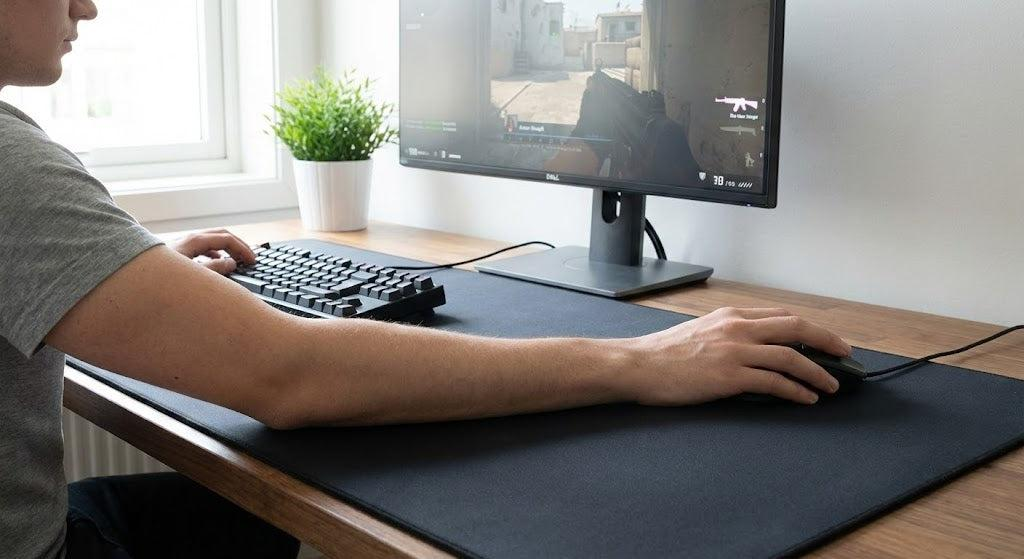
    For FPS gaming, especially at low sensitivity, a large mousepad is highly recommended. It allows for wide arm movements without interruption, which is essential for consistent aiming.

    Surface consistency is also important. A high-quality mousepad provides the same level of friction across the entire surface, ensuring predictable movement. This helps you build muscle memory and improves overall accuracy.


    Headset: Awareness and Decision-Making

    In FPS games, sound is not just an additional feature—it is a core part of gameplay. A good headset allows you to hear footsteps, gunfire, and other audio cues that provide information about enemy positions.

    Directional audio is especially important. Being able to determine where a sound is coming from allows you to react before seeing the enemy. This gives you a significant advantage in many situations.

    Clarity is more important than bass. While heavy bass may make explosions sound more impressive, it can drown out important details like footsteps. A headset with clear mids and highs is better suited for FPS gaming.

    Comfort is also essential. Long gaming sessions require a headset that does not cause discomfort or fatigue.


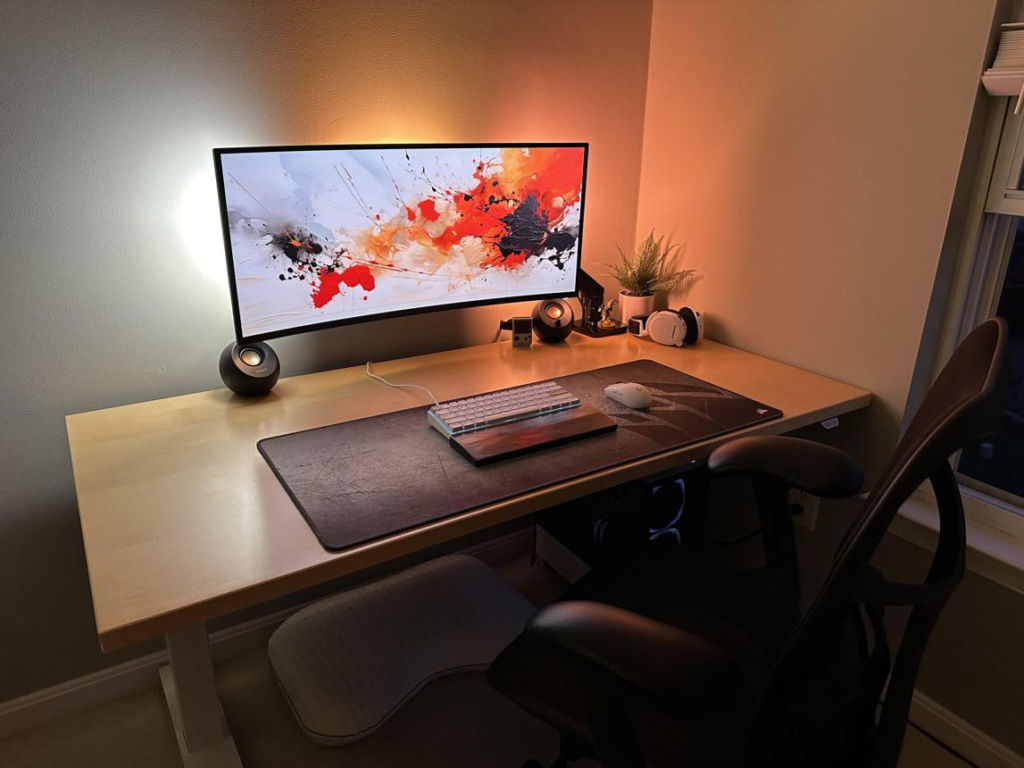
    Desk Environment: The Foundation of Consistency

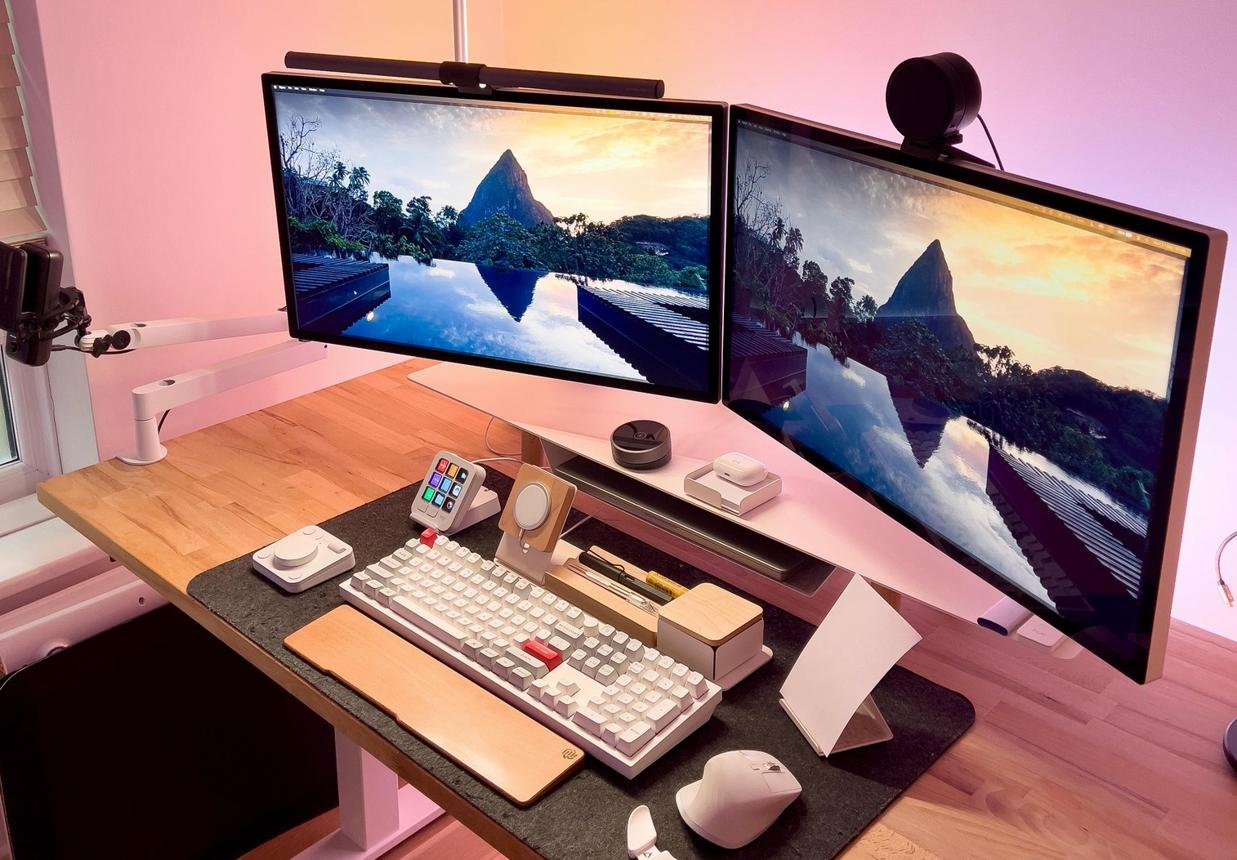
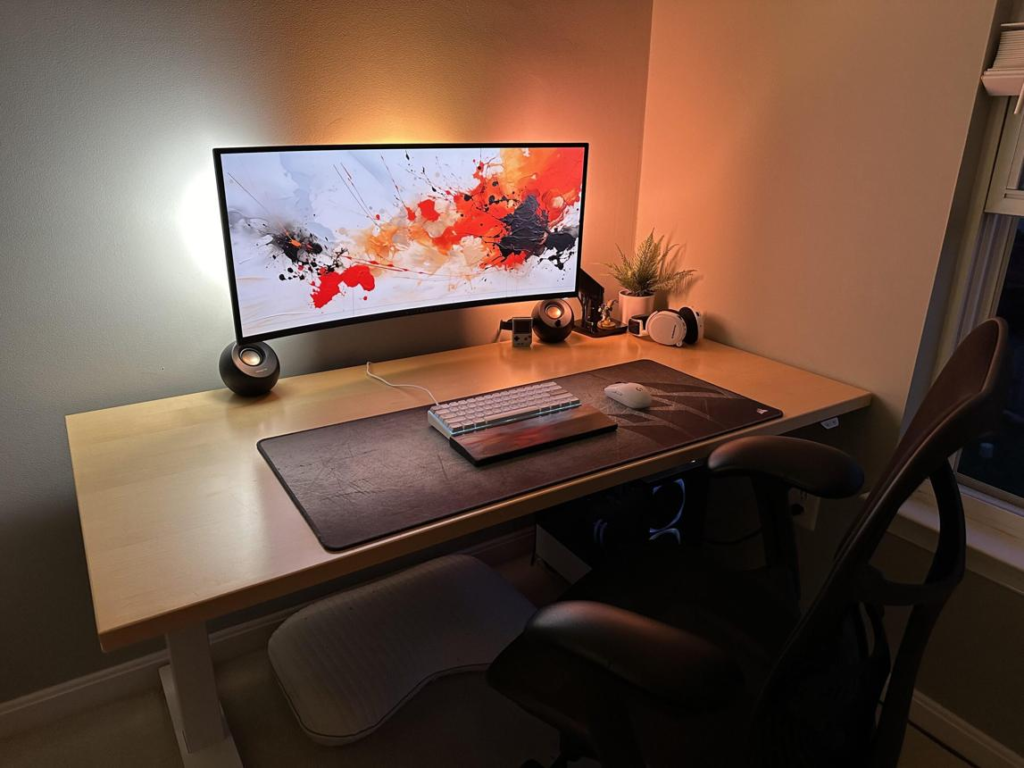
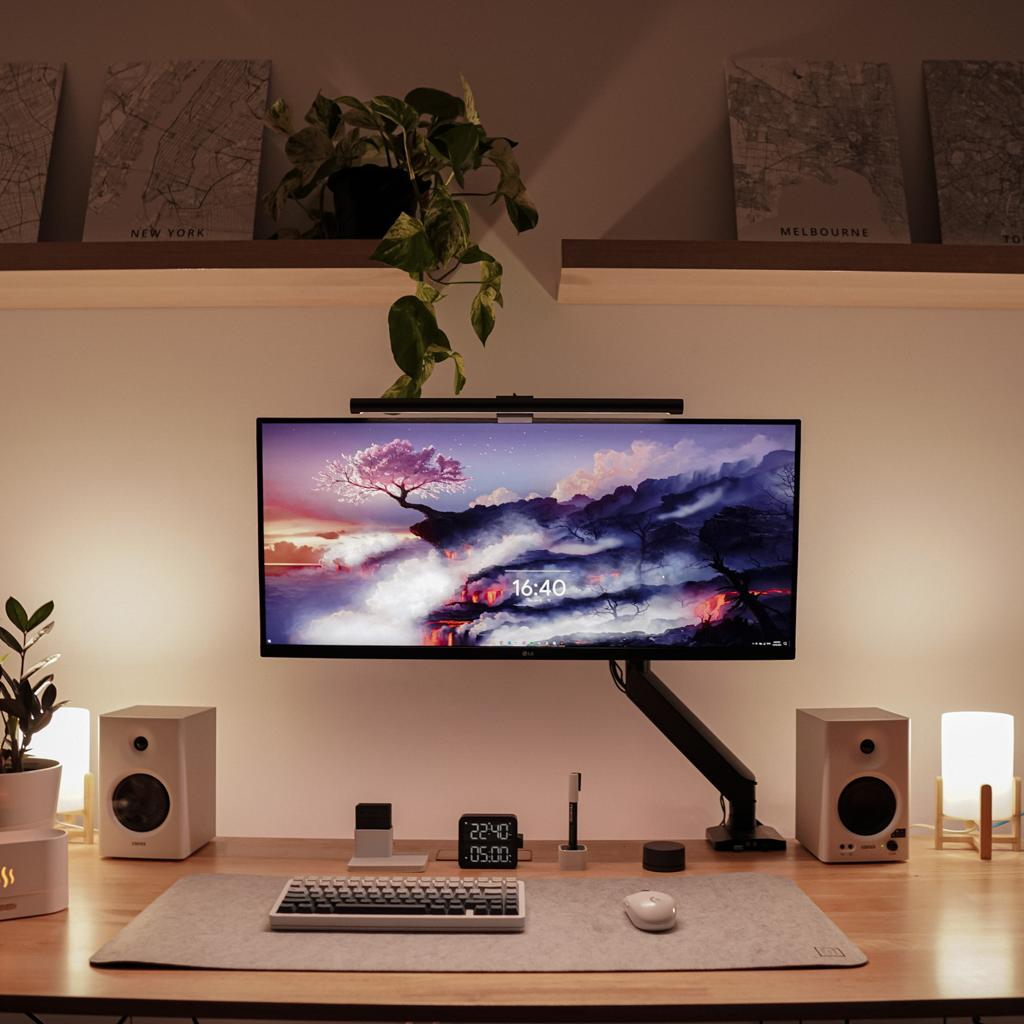
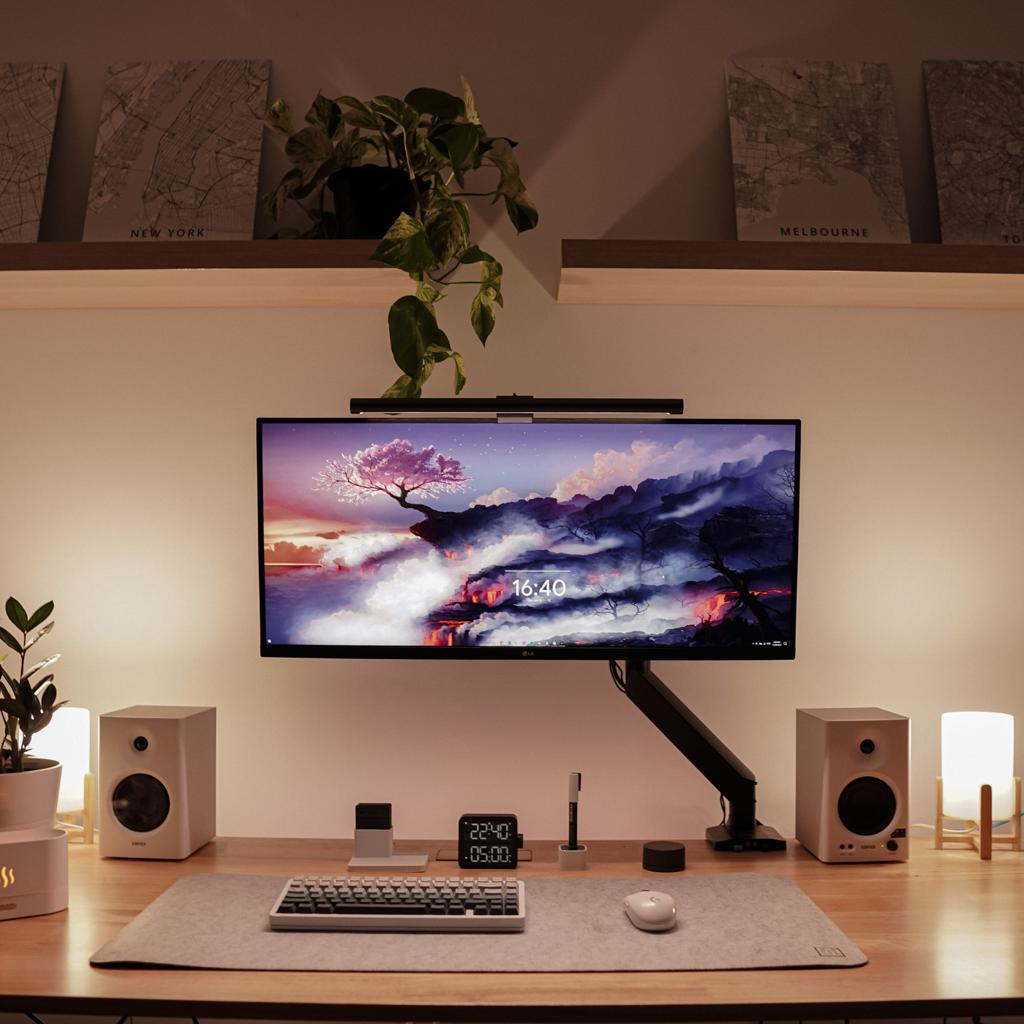
    Your desk setup ties everything together. A clean, organized, and ergonomic environment allows you to perform consistently.

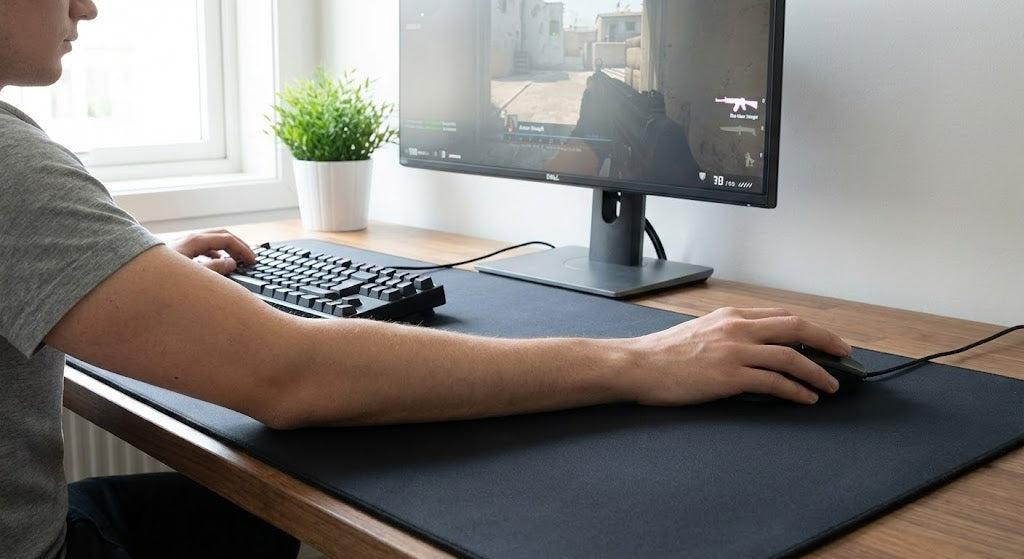
    A large desk provides enough space for both your keyboard and mousepad. This is particularly important for low sensitivity players who need room for wide movements.

    Posture also plays a critical role. Your arm should be able to move freely without obstruction. Your wrist should remain relaxed, and your shoulders should not be tense.

    A clutter-free desk reduces distractions and allows you to focus entirely on the game. Even small improvements in your environment can lead to better performance over time.


    Why It Matters for FPS

    Every component of your setup contributes to your performance in a different way.

    Your mouse determines how accurately you can aim.
    Your keyboard controls how effectively you move.
    Your mousepad affects how smoothly your mouse glides.
    Your headset provides critical information about your surroundings.
    Your desk setup ensures that all of these elements work together consistently.

    When one part of the setup is weak, it creates a bottleneck. For example, a high-quality mouse will not perform well on a poor mousepad. Similarly, good aim becomes less effective if your movement is slow or inconsistent.

    Optimizing your setup removes these limitations. It allows you to perform at your full potential and makes your practice more effective.


    Pros and Cons of a Fully Optimized Setup

    Pros

    • Increased aim consistency and accuracy
    • Improved movement control and timing
    • Better sound awareness and positioning
    • Reduced fatigue during long sessions
    • More reliable performance in competitive matches

    Cons

    • Requires time and effort to optimize
    • Personal preferences vary significantly
    • Adjustments may be needed over time

    Buying Guide

    When building your FPS setup, focus on performance rather than features.

    Choose a mouse that feels comfortable and consistent.
    Use a large mousepad if you play with low sensitivity.
    Select a keyboard that allows fast and reliable inputs.
    Use a headset that provides clear directional audio.
    Keep your desk clean and organized to reduce distractions.

    Avoid unnecessary complexity. A simple and well-optimized setup is more effective than one filled with features that do not improve performance.


    Conclusion

    A complete FPS gaming setup is not just about individual components—it is about how everything works together. When your mouse, keyboard, mousepad, headset, and desk environment are all optimized, they create a system that supports consistent and reliable performance.

    Improving your setup will not instantly make you a better player, but it will remove the limitations that slow your progress. It allows your practice to become more effective and helps you build the consistency needed to improve over time.

    In FPS gaming, consistency is everything. A well-optimized setup gives you the foundation you need to develop that consistency and perform at your best.

  • Ultimate FPS Gaming Desk Setup Guide (2026): Optimize Your Mouse, Keyboard, Mousepad, Headset and Environment

    Ultimate FPS Gaming Desk Setup Guide (2026): Optimize Your Mouse, Keyboard, Mousepad, Headset and Environment

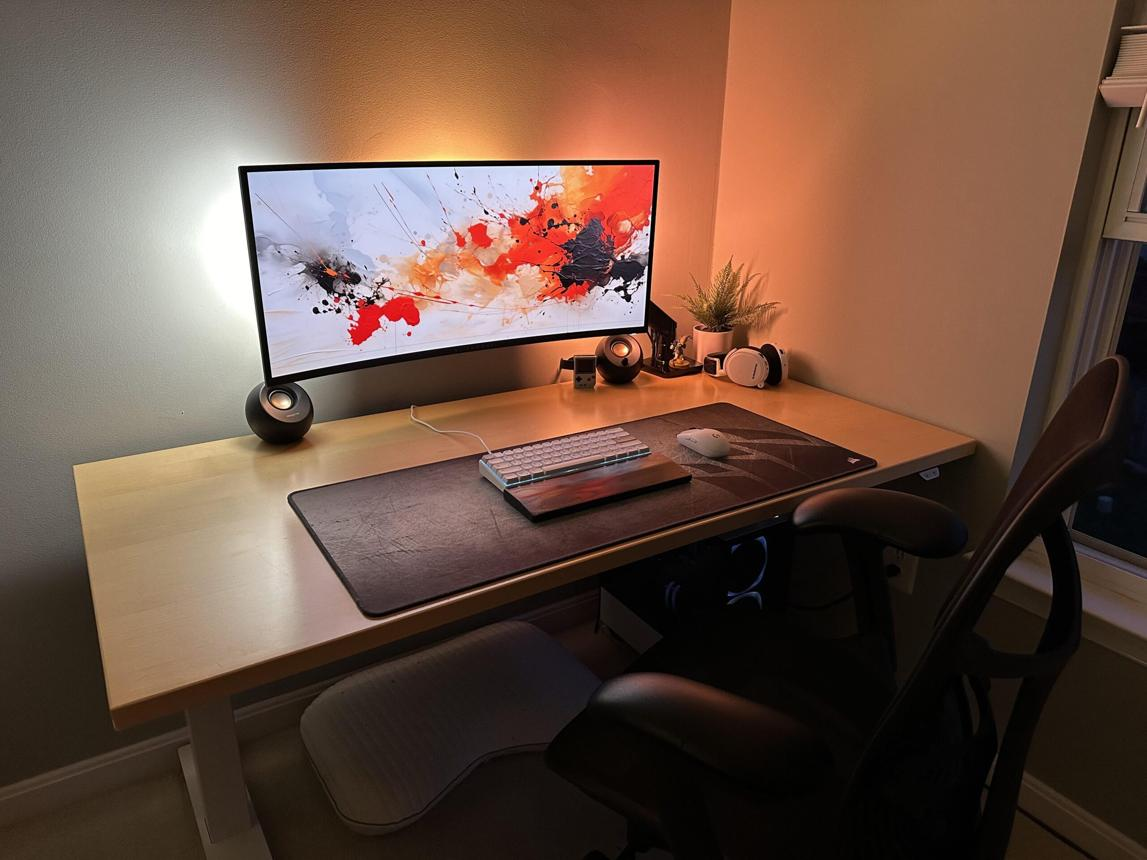
    In competitive FPS gaming, players often focus on improving aim, reaction time, and game sense. While these are essential skills, many overlook one of the most important factors that directly influences performance: the desk setup itself. Your desk setup is not just a place where you put your equipment. It is the physical environment that supports every movement you make, every shot you take, and every decision you execute during gameplay.

    A poorly optimized desk setup can limit your potential without you even realizing it. Limited mouse space, uncomfortable posture, inconsistent surfaces, and poor equipment placement can all negatively affect your aim and movement. Over time, these small issues compound, leading to slower improvement and inconsistent performance.

    On the other hand, a well-optimized FPS desk setup creates a stable and predictable environment. It allows you to move freely, maintain consistent posture, and focus entirely on the game. This is especially important for players who use low sensitivity, where large arm movements require more space and control.

    Another important aspect is consistency. In FPS games, muscle memory plays a huge role. If your setup changes frequently or feels different every time you play, it becomes difficult to build reliable habits. A consistent setup allows your brain and body to adapt, making your movements more precise over time.

    This guide will break down how to build an effective FPS gaming desk setup by focusing on the core components: mouse, keyboard, mousepad, headset, and overall desk environment. Instead of focusing on specific brands, we will focus on principles that actually improve performance. Whether you are a beginner or an experienced player, optimizing your setup can help you play more comfortably, react faster, and aim more consistently.


    Top Setup Components

    Mouse: Precision and Control

    The mouse is the most critical tool in FPS gaming. It determines how accurately your hand movements are translated into in-game actions. A good mouse should provide consistent tracking, comfortable grip, and appropriate weight for your playstyle.

    For low sensitivity players, lightweight mice are often preferred because they reduce fatigue during large arm movements. For high sensitivity players, slightly heavier mice can provide more control.

    The shape of the mouse is equally important. A mouse that fits your hand naturally allows for better control and reduces strain during long sessions.


    Keyboard: Movement and Timing

    Your keyboard controls your movement, which is just as important as aim in FPS games. Strafing, peeking, and positioning all depend on how quickly and accurately you can input commands.
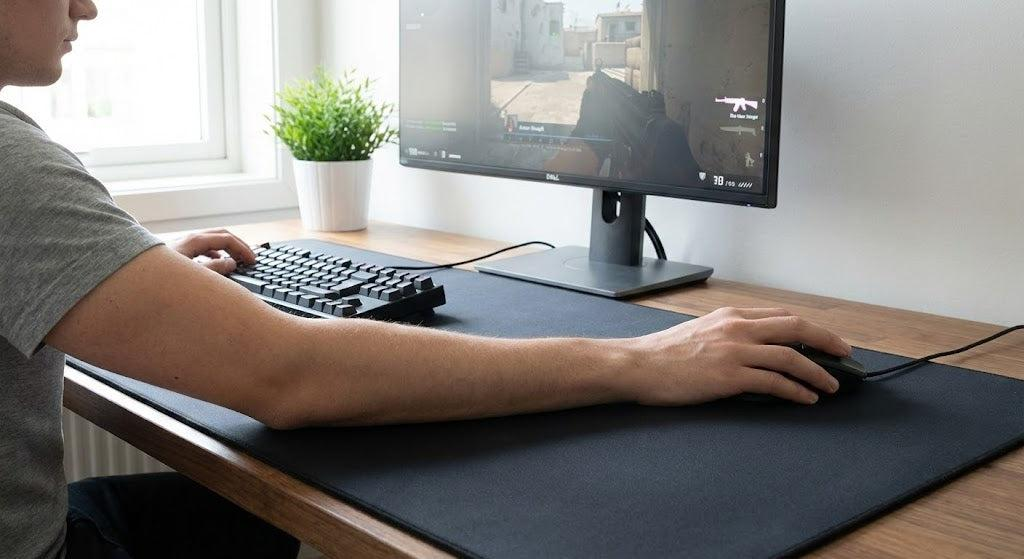
    Mechanical keyboards are generally preferred because they provide faster response times and consistent feedback. Linear switches are especially popular among FPS players because they allow for smooth and rapid key presses.

    The size of the keyboard also matters. Smaller keyboards, such as tenkeyless or 60% layouts, provide more space for mouse movement, which is beneficial for low sensitivity players.


    Mousepad: Consistency and Surface Control

    The mousepad plays a critical role in how your mouse performs. It affects both speed and control, which directly influence your aim.

    A large mousepad is essential for FPS gaming, especially for players who use low sensitivity. It allows for wide movements without interruption.

    Surface type also matters. Control surfaces provide more friction, helping with precise stopping, while speed surfaces allow for faster movement.


    Headset: Awareness and Positioning

    Sound is a key component of FPS gameplay. A good headset allows you to detect enemy positions through audio cues such as footsteps, gunfire, and movement sounds.

    Clear and accurate sound improves reaction time and decision-making. This can give you a significant advantage, especially in competitive matches.

    Comfort is also important, as long sessions require a headset that does not cause fatigue.


    Desk Environment: Space and Ergonomics

    Your desk setup ties everything together. A clean, spacious, and ergonomic environment allows for consistent performance.

    A large desk provides enough space for both your keyboard and mousepad. This is especially important for players who use low sensitivity.

    Proper posture reduces strain and allows for better control. Your arm should move freely without obstruction.


    Why It Matters for FPS

    Every part of your setup contributes to your performance.

    Your mouse affects aim consistency.
    Your keyboard affects movement precision.
    Your mousepad affects glide and control.
    Your headset affects awareness.
    Your desk setup affects comfort and stability.

    When all these elements are optimized, they create a system that supports consistent performance.


    Pros and Cons

    Pros

    • Improved aim consistency
    • Better movement control
    • Increased comfort
    • Enhanced awareness
    • More stable performance

    Cons

    • Requires time to optimize
    • Personal preferences vary
    • May need adjustments over time

    Buying Guide

    When building your setup, focus on what improves performance.

    Choose a mouse that fits your hand.
    Use a large mousepad for consistency.
    Select a keyboard that allows fast input.
    Use a headset with clear sound.
    Keep your desk clean and organized.

    Avoid unnecessary features. Simplicity and consistency are more important.


    Real Gameplay Impact

    In real matches, your setup influences every action you take.

    A stable mousepad allows smooth tracking.
    A responsive keyboard improves movement timing.
    A clear headset improves positioning.
    A clean desk setup reduces distractions.

    Over time, these advantages lead to better performance.


    Conclusion

    An optimized FPS desk setup is not about expensive equipment. It is about creating a consistent and comfortable environment that supports your gameplay. Every component plays a role, and when they work together, they allow you to perform at your best.

    Improving your setup will not instantly make you a better player, but it will remove limitations that slow your progress. With the right environment, your practice becomes more effective, your movements become more consistent, and your performance improves over time.

    If you are serious about FPS gaming, your setup is not optional—it is essential.

  • Best FPS Gaming Headset for Sound Positioning (2026 Guide)

    Best FPS Gaming Headset for Sound Positioning (2026 Guide)

    In FPS gaming, most players focus heavily on improving their aim, reaction speed, and movement. While these skills are critical, there is another factor that often gets overlooked but can provide a significant competitive advantage: sound. In games like Valorant, Counter-Strike 2, and Apex Legends, audio cues are just as important as visual information. Being able to hear an enemy before you see them can completely change the outcome of a fight.

    Sound positioning, also known as directional audio awareness, allows players to determine where enemies are located based on footsteps, gunfire, reload sounds, and environmental cues. A high-quality FPS gaming headset enhances this ability by delivering clear and accurate audio. Without proper sound clarity, important details can be missed, leading to slower reactions and poor positioning.

    Many beginners underestimate the importance of a good headset. They often use basic earphones or low-quality headphones, which can distort sound or make it difficult to distinguish direction. This puts them at a disadvantage, especially in competitive matches where small details matter.

    Another important factor is consistency. Just like aim relies on muscle memory, sound awareness relies on familiarity. A reliable headset allows you to recognize audio patterns and react faster over time. If your audio is inconsistent, it becomes harder to build that awareness.

    Comfort also plays a major role. FPS gaming sessions can last for hours, and an uncomfortable headset can cause fatigue, reducing your focus and performance. A well-designed headset ensures that you can stay comfortable while maintaining full concentration.

    In this guide, we will break down what makes a gaming headset suitable for FPS games, how sound positioning works, and how to choose the right headset for your setup. Instead of focusing on brand hype or marketing, we will focus on real performance factors that actually impact gameplay.


    Top Picks (Sound Profiles Explained)

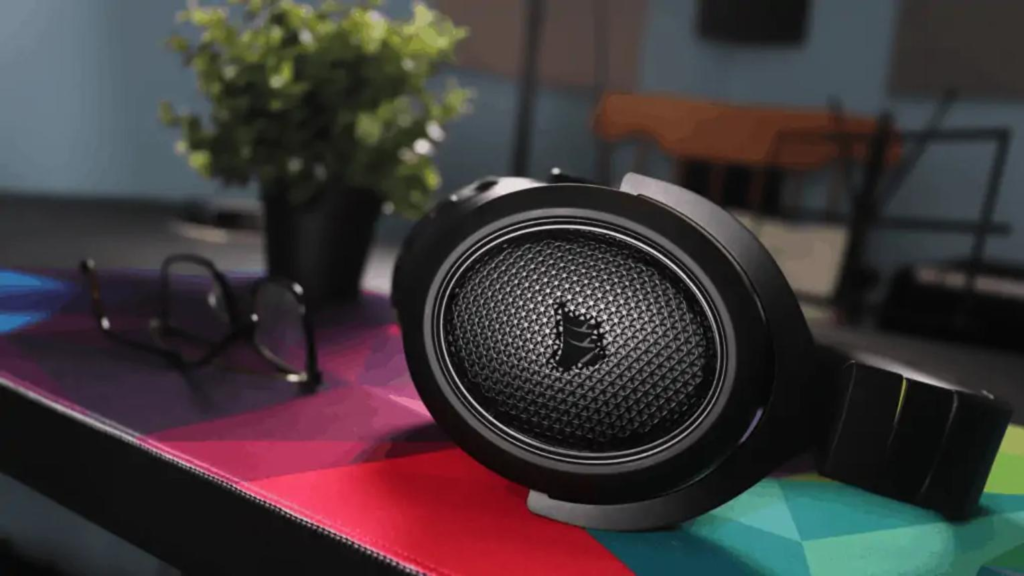
    Open-Back Headsets (Best for Accuracy)

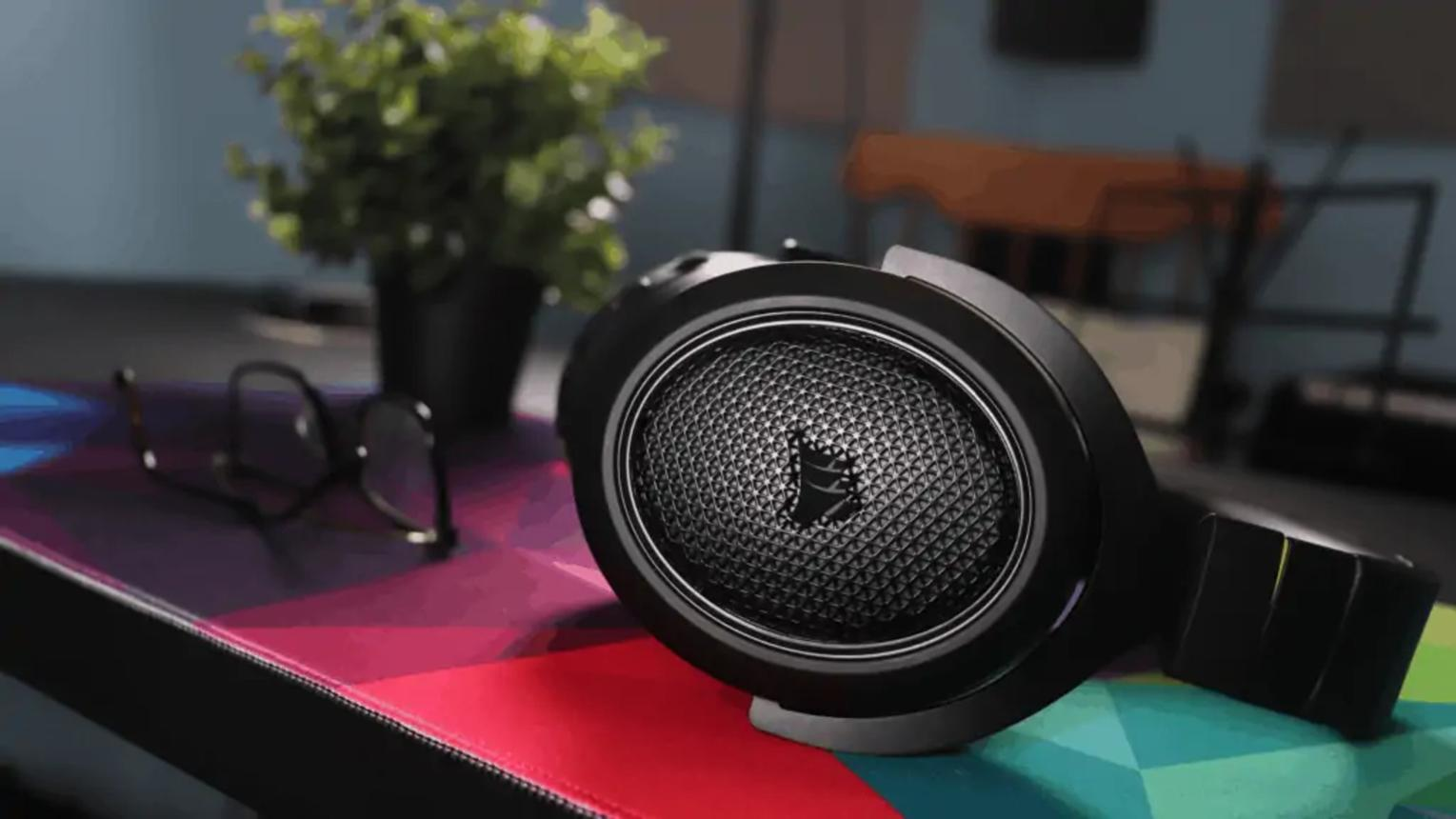
    Open-back headsets are known for their natural soundstage. This means they create a wider and more realistic audio environment, making it easier to detect the direction and distance of sounds.

    For FPS players, this provides a major advantage:

    • Better enemy positioning
    • More accurate distance perception
    • Clear separation of audio layers

    However, they do not block outside noise, which may be a disadvantage in noisy environments.


    Closed-Back Headsets (Best for Focus)

    Closed-back headsets isolate external noise, allowing you to focus entirely on the game. This can be helpful if you play in a loud environment.

    They offer:

    • Strong bass and impact
    • Better isolation
    • More immersive experience

    However, the soundstage is usually narrower compared to open-back designs.


    Balanced Sound Headsets (Best Overall)

    Some headsets are tuned to provide a balance between clarity and immersion. These are ideal for players who want both competitive performance and enjoyable sound.


    Why It Matters for FPS

    Sound plays a critical role in FPS games, often providing information that visuals cannot.

    First, footsteps reveal enemy movement. A good headset allows you to hear subtle differences in direction and distance. This helps you predict enemy positions before they appear.

    Second, gunfire provides context. You can determine whether a fight is close or far away, allowing you to make better decisions.

    Third, environmental sounds add depth. Doors opening, abilities being used, and reload sounds all provide valuable information.

    Fourth, reaction time improves. Hearing an enemy before seeing them gives you extra time to prepare your aim.

    Finally, positioning becomes easier. Sound allows you to move strategically rather than reacting blindly.


    Pros and Cons

    Pros

    • Improves enemy detection
    • Enhances positioning awareness
    • Increases reaction speed
    • Supports consistent gameplay

    Cons

    • Requires adjustment to sound cues
    • Higher-quality audio may take time to get used to
    • Personal preference affects sound perception

    Buying Guide

    When choosing a headset for FPS gaming, focus on these key factors:

    1. Sound Clarity Over Bass
    Avoid headsets with excessive bass. Clear mids and highs are more important for detecting footsteps.

    2. Soundstage
    A wider soundstage helps with directional accuracy.

    3. Comfort
    Look for lightweight designs with soft ear cushions.

    4. Microphone Quality
    Clear communication is important for team-based FPS games.

    5. Durability
    A well-built headset will last longer and maintain consistent performance.


    Connection to Full FPS Setup

    A headset is one part of a complete FPS system.

    Your mouse controls your aim.
    Your keyboard controls your movement.
    Your mousepad affects your consistency.
    Your headset provides awareness.
    Your desk setup supports everything.

    If one part is weak, your overall performance suffers.


    Real Gameplay Impact

    In real matches, sound awareness often determines who reacts first.

    Imagine hearing footsteps approaching from behind. With a good headset, you can turn, pre-aim, and prepare before the enemy appears. Without it, you may only react after seeing them, which is often too late.

    Over time, this advantage compounds. Players with better sound awareness consistently make better decisions, leading to improved performance.


    Conclusion

    In FPS gaming, sound is not just an additional feature—it is a core part of gameplay. A good gaming headset allows you to detect enemies earlier, react faster, and position yourself more effectively.

    While aim and movement are essential, they are only part of the equation. Sound awareness completes the system, allowing you to perform at a higher level.

    The key is to choose a headset that prioritizes clarity, comfort, and consistency. With the right setup, you can gain a significant advantage and improve your overall gameplay experience.

  • Best FPS Gaming Keyboard for Fast Movement (2026 Guide)

    Best FPS Gaming Keyboard for Fast Movement (2026 Guide)

    When people think about improving their performance in FPS games, the focus is almost always on the mouse. While aiming is undeniably important, movement is just as critical in competitive gameplay. In games like Valorant, Counter-Strike 2, and Apex Legends, your ability to move quickly, strafe efficiently, and position yourself correctly often determines whether you win or lose a fight. This is where your keyboard becomes an essential part of your setup.

    A gaming keyboard is not just about typing or basic input. In FPS games, it directly affects how fast and accurately you can move. Every strafe, jump, crouch, and counter-movement depends on how responsive your keyboard is. Even a slight delay or inconsistency can impact your timing, making your movements less precise.

    Another important factor is consistency. Just like aim relies on muscle memory, movement also depends on repetition. If your keyboard does not provide consistent feedback, it becomes difficult to build reliable habits. This is especially important for advanced techniques such as counter-strafing, where precise timing is required to stop movement instantly and shoot accurately.

    Comfort also plays a major role. FPS players often spend long hours practicing and competing. A keyboard that feels uncomfortable can lead to fatigue, which reduces both speed and accuracy over time. The layout, key spacing, and key feel all contribute to how comfortable your keyboard is during extended sessions.

    In 2026, there are many excellent gaming keyboards available that support fast and precise movement for FPS players. You do not need the most expensive option to perform well. What matters is choosing a keyboard that matches your playstyle and allows you to move consistently and comfortably.

    This guide will break down what makes a keyboard suitable for FPS gaming, how it affects your performance, and how to choose the right one for your setup.


    Top Picks (Types of Keyboards for FPS)

    Linear Switch Keyboards (Best for Speed)

    Linear switches are the most popular choice for FPS gaming. They provide smooth key presses without tactile bumps, allowing for faster actuation and quicker repeated inputs.

    For FPS players, this means:

    • Faster strafing
    • Smoother movement transitions
    • Better control during rapid inputs

    Linear switches are especially useful for players who rely on quick reactions and fluid movement.


    Tactile Switch Keyboards (Balanced Option)

    Tactile switches provide a small bump when the key is pressed, giving feedback that the input has been registered.

    This can help with:

    • Controlled movement
    • Reduced accidental inputs
    • More precise timing

    However, they are slightly slower than linear switches, which may not be ideal for highly competitive play.


    Compact Keyboards (More Space for Mouse Movement)

    Many FPS players prefer smaller keyboards, such as tenkeyless (TKL) or 60% layouts. These keyboards remove unnecessary keys, creating more space for mouse movement.

    This is particularly important for low sensitivity players who need large arm movements.


    Why It Matters for FPS

    Movement in FPS games is not just about pressing keys—it is about timing, precision, and control.

    First, strafing is essential. Moving left and right quickly makes you harder to hit. A responsive keyboard allows you to change direction instantly, improving your survivability.

    Second, counter-strafing is critical in tactical shooters. This technique requires you to stop your movement at the exact right moment to shoot accurately. A keyboard with fast response time makes this much easier.

    Third, reaction time matters. In fast-paced situations, even a small delay can affect the outcome. A good keyboard ensures that your inputs are registered instantly.

    Fourth, consistency is key. Using the same keyboard with reliable feedback helps you build muscle memory over time.


    Pros and Cons

    Pros

    • Faster and more precise movement
    • Improved reaction time
    • Better consistency in gameplay
    • More comfortable long sessions

    Cons

    • Requires adjustment if switching types
    • Compact layouts may take time to get used to
    • Personal preference plays a big role

    Buying Guide

    When choosing a keyboard for FPS gaming, focus on these key factors:

    1. Switch Type
    Linear switches are best for speed and smooth movement.

    2. Keyboard Size
    Smaller keyboards provide more space for mouse movement.

    3. Build Quality
    A solid keyboard ensures consistent performance over time.

    4. Comfort
    Choose a layout that feels natural for your hand position.


    Connection to Full FPS Setup

    A keyboard is just one part of a complete FPS setup.

    Your mouse controls aim.
    Your mousepad controls glide and consistency.
    Your keyboard controls movement.
    Your headset provides awareness.
    Your desk setup supports everything.

    When all these elements work together, your performance becomes more consistent and reliable.


    Conclusion

    A good FPS gaming keyboard is not about flashy features or aesthetics. It is about speed, consistency, and comfort. The right keyboard allows you to move more precisely, react faster, and perform more consistently in competitive situations.

    While the mouse often gets the most attention, your keyboard plays an equally important role in your overall performance. By choosing the right type of switches, layout, and design, you can significantly improve your movement and gameplay.

    In the end, the best keyboard is the one that feels natural in your hands and supports your playstyle. Combined with a well-optimized setup, it becomes a powerful tool for improving your performance in any FPS game.

  • How to Improve Aim in FPS Games (2026 Guide): Setup, Training, and Gear Optimization

    How to Improve Aim in FPS Games (2026 Guide): Setup, Training, and Gear Optimization

    Improving aim in FPS games is one of the most common goals among players, yet it is also one of the most misunderstood. Many players believe that aim is purely a matter of talent or reflexes. While natural ability can play a role, consistent aim is primarily built through repetition, proper technique, and the right environment. In other words, aim is a skill that can be trained and improved over time.

    However, practice alone is not always enough. If your setup is inconsistent, uncomfortable, or poorly optimized, your improvement will be slower and less reliable. This is why understanding the relationship between aim training and your gaming setup is so important. Your mouse, keyboard, mousepad, headset, and desk environment all influence how effectively you can practice and perform.

    In games like Valorant, Counter-Strike 2, and Apex Legends, aim is not just about moving your crosshair quickly. It involves precision, timing, control, and consistency. Good aim means being able to repeat the same movement accurately under pressure. This requires both muscle memory and a stable physical setup.

    Another important factor is efficiency. Many players spend hours practicing but see little improvement because they are not training correctly. They may use inconsistent sensitivity settings, poor posture, or equipment that does not suit their playstyle. Fixing these issues can often lead to faster improvement than simply increasing practice time.

    This guide will focus on how to improve your aim in FPS games by combining proper training methods with optimized setup choices. Instead of focusing on specific products, we will explain the principles behind effective aim improvement and how your gear supports that process.


    Core Elements of FPS Aim

    Crosshair Placement

    One of the most overlooked aspects of aim is crosshair placement. Many players rely too much on reaction speed, trying to flick to enemies after they appear. However, strong players minimize the need for large movements by keeping their crosshair at head level and pre-aiming common angles.

    Good crosshair placement reduces the distance your mouse needs to travel, making your aim faster and more efficient. This is especially important in tactical shooters where reaction time is critical.


    Tracking

    Tracking refers to your ability to follow a moving target smoothly. This skill is essential in games with fast movement, such as Apex Legends or Call of Duty.

    Tracking relies heavily on consistency. Your mouse movements should feel smooth and controlled, without sudden jumps or hesitation. This is where your mouse and mousepad play a significant role.


    Flick Shots

    Flick shots involve quickly moving your crosshair to a target and stopping precisely. This skill is often used in situations where enemies appear suddenly.

    Flicking requires both speed and control. A lightweight mouse can help with faster movement, while a consistent sensor ensures accuracy.


    Recoil Control

    Recoil control is the ability to manage weapon spray patterns. This requires precise mouse movements and timing.

    Practicing recoil control helps improve overall mouse control, which benefits all aspects of aim.


    Why Setup Matters for Aim Improvement

    Your setup directly affects how you train and perform.

    A consistent mouse ensures that your movements are predictable. If your mouse behaves differently each time, it becomes difficult to build muscle memory.

    A good mousepad provides a stable surface. This allows for smooth and consistent movement, which is essential for tracking and flicking.

    Your keyboard affects movement. Smooth and responsive keys allow for better strafing and positioning, which indirectly improves aim.

    Your headset improves awareness. Hearing enemies earlier gives you more time to aim.

    Finally, your desk setup affects comfort. A comfortable setup allows you to practice longer without fatigue.


    Pros and Cons of Structured Aim Training

    Pros

    • Faster improvement
    • Better consistency
    • More efficient practice
    • Improved confidence in gameplay

    Cons

    • Requires discipline
    • Progress may feel slow at first
    • Needs consistent setup

    Buying Guide (Gear for Aim Improvement)

    When choosing gear for aim improvement, focus on how it supports consistency.

    Mouse
    Choose a mouse that feels comfortable and provides accurate tracking. Weight and shape should match your grip style.

    Mousepad
    A large mousepad is recommended for low sensitivity players. Choose a surface that offers a balance between speed and control.

    Keyboard
    Look for a responsive keyboard that allows for precise movement inputs.

    Headset
    Clear directional audio helps with positioning and reaction time.

    Desk Setup
    Ensure your desk is large enough for comfortable movement and free of clutter.


    Practical Tips for Improving Aim

    1. Use consistent sensitivity settings
    2. Focus on crosshair placement
    3. Practice tracking and flicking separately
    4. Take breaks to avoid fatigue
    5. Keep your setup consistent

    Conclusion

    Improving aim in FPS games is a combination of practice, technique, and setup optimization. While many players focus only on training, your environment and equipment play an equally important role. A consistent setup allows you to build muscle memory more effectively, while proper training methods ensure that your practice leads to real improvement.

    The key is not to rush the process. Aim improvement takes time, and consistency is more important than intensity. By combining structured practice with a well-optimized setup, you can steadily improve your performance and become a more reliable player.

    In the end, the goal is not just to aim faster, but to aim more consistently. With the right approach, you can develop the skills needed to perform confidently in any FPS game.

  • Complete FPS Gaming Setup Guide (2026): Mouse, Keyboard, Mousepad, Headset & Desk Optimization

    Complete FPS Gaming Setup Guide (2026): Mouse, Keyboard, Mousepad, Headset & Desk Optimization

    For anyone serious about improving in FPS games, skill alone is not the full picture. While practice, game sense, and experience are essential, your physical setup directly influences how effectively you can translate your skill into performance. In games like Valorant, Counter-Strike 2, and Apex Legends, small differences in control, comfort, and consistency can significantly impact your results.

    A complete FPS gaming setup is not just about having one good device. It is about how every component works together. Your mouse affects your aim, your keyboard controls your movement, your mousepad determines glide and resistance, your headset provides awareness, and your desk setup influences comfort and consistency. If even one of these elements is poorly optimized, it can limit your overall performance.

    Many players focus heavily on upgrading their mouse but ignore other important factors. For example, a high-quality mouse paired with a low-quality mousepad may result in inconsistent tracking. Similarly, a great setup can feel ineffective if your desk is cluttered or your posture is poor.

    The goal of this guide is not to recommend specific products, but to help you understand how to build and optimize a complete FPS gaming setup. By understanding how each component affects your gameplay, you can make better decisions and create a setup that supports long-term improvement.


    Core Setup Components

    Mouse (Control and Precision)

    The mouse is the most critical part of any FPS setup. It directly determines how accurately and consistently you can aim. For FPS gaming, consistency is more important than raw speed. A good mouse should provide predictable tracking so that your movements feel the same every time.

    Weight is one of the most important factors. Lightweight mice allow faster movements and reduce fatigue, especially for players who use low sensitivity. However, some players prefer slightly heavier mice because they provide more control.

    Shape is equally important. A mouse that fits your hand properly will allow you to maintain a stable grip, which improves both comfort and accuracy. There is no universally perfect shape—what matters is how it feels in your hand.


    Keyboard (Movement and Timing)

    In FPS games, movement is just as important as aim. Strafing, peeking, and positioning all depend on how quickly and accurately you can input commands. A responsive keyboard allows for better control over movement timing.

    Mechanical keyboards are commonly preferred because they provide clear feedback and faster response compared to membrane keyboards. This helps improve consistency when performing repeated movements.

    Key spacing and layout also matter. A comfortable layout allows you to react quickly without misclicking, especially during intense moments.


    Mousepad (Consistency and Glide)

    The mousepad is often overlooked, but it plays a crucial role in FPS performance. It determines how your mouse moves across the surface, which directly affects your aim.

    A larger mousepad is generally better for FPS gaming, especially for players who use low sensitivity. It allows for wider arm movements without running out of space.

    Surface type also matters. Some mousepads offer more control (higher friction), while others offer more speed (lower friction). Choosing the right balance depends on your playstyle.


    Headset (Awareness and Positioning)

    In FPS games, sound provides critical information. Footsteps, reloads, and directional audio cues can give you an advantage before you even see an enemy.

    A good headset allows you to accurately identify the direction and distance of sounds. This improves your positioning and reaction time.

    Comfort is also important. Long gaming sessions require a headset that does not cause discomfort or fatigue.


    Desk Setup (Environment and Consistency)

    Your desk setup influences everything else. A clean, stable, and ergonomic environment allows you to perform consistently.

    A large desk provides enough space for wide mouse movements, which is essential for low sensitivity players. Keeping your setup organized reduces distractions and helps maintain focus.

    Posture also plays a role. Sitting comfortably with proper arm positioning can improve both performance and endurance.


    Why It Matters for FPS

    Every component of your setup contributes to your performance in FPS games.
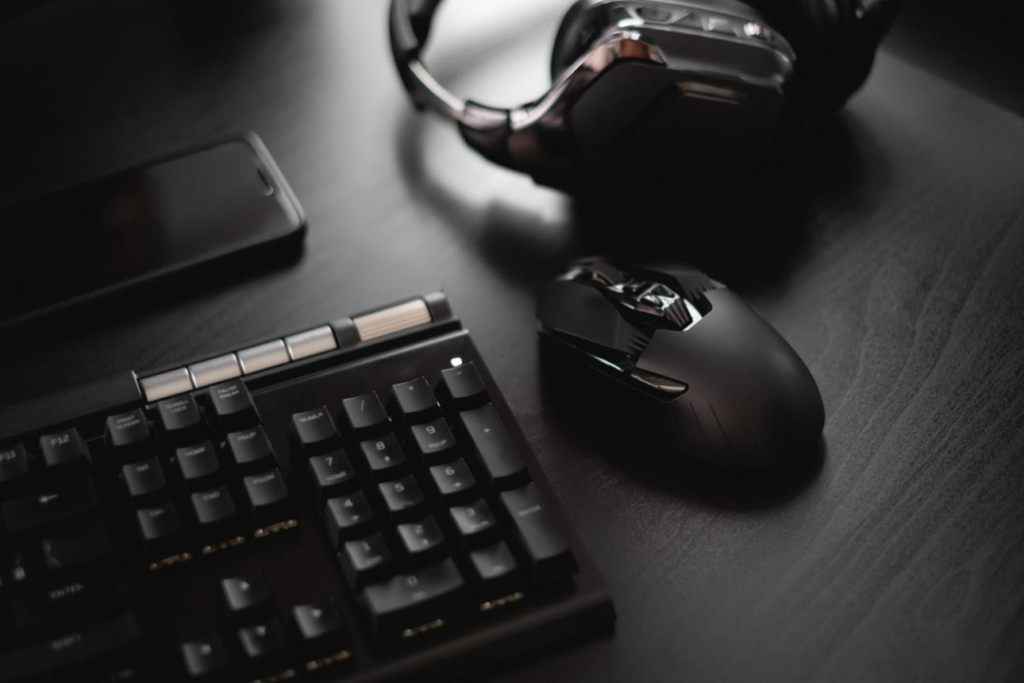
    First, your mouse determines your aim. If your mouse is inconsistent, your aim will also be inconsistent. This makes it difficult to build muscle memory, which is essential for improvement.

    Second, your keyboard affects movement. In FPS games, movement is not just about speed—it is about timing and precision. A responsive keyboard allows you to execute movements more accurately.

    Third, your mousepad affects how your mouse behaves. Even the best mouse can feel inconsistent on a poor surface.

    Fourth, your headset provides awareness. Being able to hear enemies before seeing them can give you a significant advantage.

    Finally, your environment ties everything together. A comfortable and consistent setup allows you to focus entirely on gameplay.


    Pros and Cons of Optimized FPS Setup

    Pros

    • Improved aim consistency
    • Better movement control
    • Increased comfort during long sessions
    • Enhanced game awareness
    • More reliable performance

    Cons

    • Requires time to optimize
    • Personal preference varies
    • May require adjustments over time

    Buying Guide (How to Choose Correctly)

    When building an FPS setup, focus on what actually improves performance.

    1. Prioritize Comfort Over Features
    Fancy features are less important than how comfortable your setup feels.

    2. Match Your Playstyle
    Low sensitivity players need more space and smoother glide. High sensitivity players may prefer more control.

    3. Keep Everything Consistent
    Changing equipment too often can slow down improvement. Consistency helps build muscle memory.

    4. Avoid Overcomplicating
    A simple, well-optimized setup is better than a complex one with unnecessary features.

    5. Test and Adjust
    Your setup should evolve based on your experience and preferences.


    Conclusion

    A complete FPS gaming setup is more than just a collection of devices. It is a system that supports your performance, comfort, and consistency. When each component is optimized and works together, it allows you to focus entirely on improving your skill.

    The key takeaway is that there is no single perfect setup for everyone. The best setup is the one that fits your playstyle, feels comfortable, and allows you to perform consistently. By understanding how each part of your setup affects your gameplay, you can make better decisions and create an environment that supports long-term improvement.

    If you are serious about FPS gaming, investing time into your setup is just as important as practicing your aim. The right setup will not replace skill, but it will make it easier to develop and apply that skill effectively.

  • Best FPS Gaming Mouse for Palm Grip Under $50 (2026 Guide)

    Best FPS Gaming Mouse for Palm Grip Under $50 (2026 Guide)

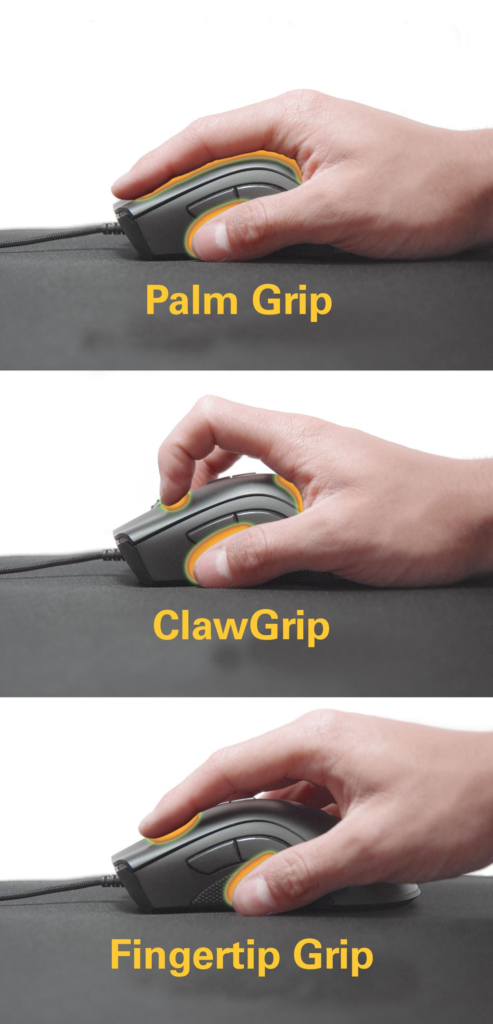
    When it comes to FPS gaming, your grip style plays a critical role in how you control your aim and movement. Among the three main grip styles—palm, claw, and fingertip—the palm grip is often considered the most comfortable and natural for long gaming sessions. However, it also requires a specific type of mouse to perform at its best, especially in competitive FPS titles like Valorant, Counter-Strike 2, and Call of Duty.

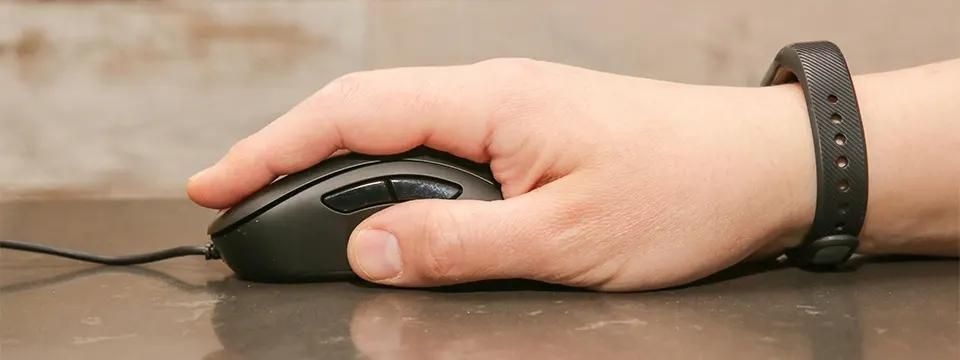
    Palm grip users typically rest their entire hand on the mouse, which provides stability and control. This makes it easier to track targets smoothly and maintain consistent aim. However, it can also limit speed compared to claw or fingertip grip, which is why choosing the right mouse is essential. A well-designed mouse can help compensate for this by offering better ergonomics, balanced weight, and precise tracking.

    One of the biggest challenges for palm grip users is finding a mouse that fits their hand properly. Many budget mice are either too small or too lightweight, making them uncomfortable for extended use. A mouse that is too small can cause strain, while one that is too heavy can reduce responsiveness. The ideal palm grip mouse should have a larger shape, smooth curves, and a weight that allows both control and comfort.

    Another important factor is fatigue. FPS gaming often involves long sessions of practice and competitive matches. A mouse that does not support your hand properly can lead to discomfort and reduced performance over time. This is why ergonomic design is especially important for palm grip players.

    In 2026, there are several excellent FPS gaming mice under $50 that are designed specifically for palm grip users. These options offer a combination of comfort, performance, and affordability, making them perfect for both beginners and experienced players.

    In this guide, we will explore the best FPS gaming mice for palm grip under $50. We will analyze their real-world performance, explain who they are best for, and help you choose the right option based on your playstyle.


    Top Picks

    1. Razer DeathAdder Essential — Price: ~$30

    The Razer DeathAdder Essential is one of the most iconic ergonomic gaming mice, and it remains a top choice for palm grip users. Its larger shape and curved design allow your hand to rest naturally, reducing strain during long sessions.

    In FPS games, the DeathAdder provides excellent control. While it is not the lightest mouse, its weight actually helps stabilize your movements, making it easier to track targets accurately. This is particularly useful in tactical shooters where precision matters more than speed.

    The sensor performance is reliable, ensuring consistent tracking without unexpected acceleration or jitter. This allows you to build muscle memory and improve your aim over time.


    2. Logitech G403 Hero — Price: ~$45

    The Logitech G403 Hero is a premium-feeling mouse available at a budget price. It is designed with ergonomics in mind, making it ideal for palm grip users who want both comfort and performance.

    One of its standout features is its balance. The mouse is not too heavy and not too light, providing a perfect middle ground for FPS players. This allows for both controlled tracking and quick adjustments when needed.

    The HERO sensor ensures precise tracking, which is essential for competitive gameplay. In real-world use, the G403 feels smooth and responsive, making it a reliable option for serious players.


    3. SteelSeries Rival 3 — Price: ~$30

    The SteelSeries Rival 3 is a versatile gaming mouse that works well for palm grip users, especially those with medium-sized hands. It offers a comfortable shape and consistent performance at an affordable price.

    While it may not be as ergonomic as the DeathAdder, it still provides good support for palm grip. The sensor is accurate enough for FPS gaming, and the overall experience is smooth and reliable.

    This mouse is a great option for players who want a balance between comfort and affordability.


    Features

    When choosing a palm grip gaming mouse, there are several key features to consider.

    1. Ergonomic Shape
    Palm grip users need a mouse that supports the entire hand. A curved design helps maintain a natural position and reduces strain.

    2. Weight Balance
    A slightly heavier mouse can provide better control for palm grip users, especially in FPS games.

    3. Sensor Performance
    Accurate tracking is essential. A good sensor ensures that your movements are consistent and reliable.

    4. Build Quality
    A durable mouse will last longer and provide a better overall experience.


    Pros and Cons

    Pros

    • Comfortable for long sessions
    • Better stability and control
    • Ergonomic designs reduce strain
    • Suitable for consistent aiming

    Cons

    • Slightly slower for flick shots
    • Larger size may not suit small hands
    • Heavier than ultralight mice

    Buying Guide

    If you use palm grip, your priority should be comfort and control.

    First, choose a mouse that fits your hand size. A larger mouse will provide better support.

    Second, consider weight. While ultralight mice are popular, palm grip users often benefit from slightly heavier models.

    Third, focus on ergonomics. A well-designed mouse will reduce fatigue and improve consistency.

    Finally, test different options if possible. Personal preference plays a big role in comfort.


    Final Verdict

    Palm grip is one of the most comfortable grip styles for FPS gaming, but it requires the right mouse to perform at its best. A well-designed ergonomic mouse can improve your aim, reduce fatigue, and help you play more consistently.

    The Razer DeathAdder Essential is the best overall choice for comfort and control, the Logitech G403 offers premium performance, and the SteelSeries Rival 3 provides great value.

    If you are a palm grip player looking to improve your FPS performance, investing in the right mouse is a smart and effective step.

  • Best Wireless FPS Gaming Mouse Under $50 (2026 Guide)

    Best Wireless FPS Gaming Mouse Under $50 (2026 Guide)

    In modern FPS gaming, the importance of having the right mouse cannot be overstated. While mechanical skill, game sense, and positioning all play a role in performance, your mouse is the tool that directly translates your physical movement into in-game action. This is especially critical in fast-paced first-person shooters like Valorant, Counter-Strike 2, and Apex Legends, where accuracy, reaction time, and consistency determine success.

    For many years, wireless gaming mice were considered inferior to wired options. Players worried about latency, signal interruptions, and inconsistent performance. However, technology has advanced significantly, and in 2026, wireless FPS gaming mice are more reliable than ever. Many models now offer near-zero latency, high-precision sensors, and stable connections that can easily compete with traditional wired setups.

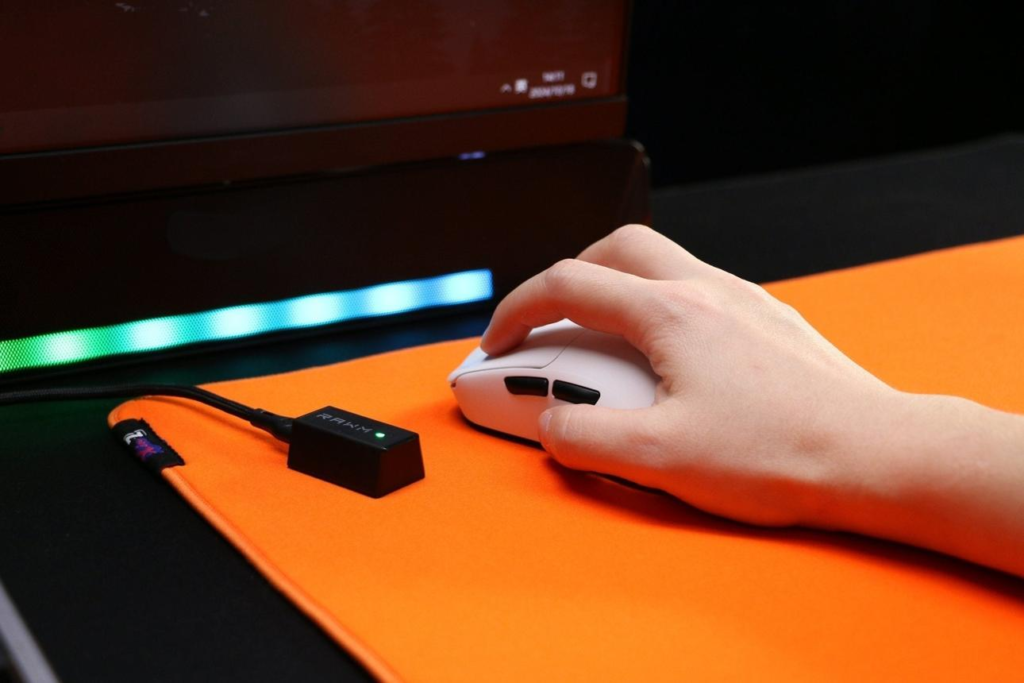
    One of the biggest advantages of wireless mice is freedom of movement. Without a cable dragging across your desk, your hand movements feel smoother and more natural. This can lead to better tracking, faster flick shots, and improved overall comfort. For low-sensitivity players who rely on large arm movements, this difference becomes even more noticeable.

    Another important factor is desk organization. A wireless setup creates a cleaner, more minimal environment, which can help reduce distractions and improve focus. While this may seem like a small benefit, it contributes to a more consistent gaming experience over time.

    The good news is that you don’t need to spend a large amount of money to enjoy these benefits. There are several excellent wireless FPS gaming mice available under $50 that provide strong performance, reliable sensors, and comfortable designs. These budget-friendly options are perfect for both beginners and competitive players who want quality without overspending.

    In this guide, we will explore the best wireless FPS gaming mice under $50 in 2026. We will break down their real-world performance, highlight key features, and help you understand which option fits your playstyle.


    Top Picks

    1. Logitech G305 LIGHTSPEED — Price: ~$35

    The Logitech G305 LIGHTSPEED is widely considered one of the best budget wireless gaming mice available. It offers a strong combination of performance, reliability, and affordability. The HERO sensor delivers precise tracking, making it suitable for competitive FPS gaming.

    The wireless performance is one of its biggest strengths. Logitech’s LIGHTSPEED technology ensures low latency, which means your movements are reflected instantly on screen. In real gameplay, it feels almost identical to a wired mouse, making it a great option for players transitioning to wireless setups.

    Another key advantage is battery life. The G305 can last for an extended period on a single AA battery, which makes it convenient for long gaming sessions without frequent interruptions.


    2. Razer Orochi V2 — Price: ~$45

    The Razer Orochi V2 is designed for players who prioritize portability and lightweight performance. It is one of the lightest wireless mice in this price range, making it ideal for FPS players who rely on quick movements and fast aim adjustments.

    This mouse features dual connectivity, allowing you to switch between Bluetooth and 2.4GHz wireless modes. For gaming, the 2.4GHz mode provides low latency and stable performance, ensuring a smooth experience during competitive matches.

    Its compact design makes it particularly suitable for claw and fingertip grip users. This allows for better control and faster reaction times.


    3. SteelSeries Rival 3 Wireless — Price: ~$40

    The SteelSeries Rival 3 Wireless is a well-balanced option that offers reliable performance and solid build quality. It may not be the lightest mouse available, but it provides excellent control and stability, which can benefit players who prefer a slightly heavier feel.

    The sensor delivers consistent tracking, making it suitable for FPS games. The shape is also comfortable for a wide range of hand sizes, making it a versatile choice.


    Features

    When choosing a wireless FPS gaming mouse, it is important to understand the features that actually impact performance.

    1. Sensor Accuracy
    A high-quality sensor ensures that your movements are tracked precisely. This is essential for FPS games, where even small inaccuracies can affect your aim. Modern sensors in budget mice are highly reliable and capable of supporting competitive gameplay.

    2. Wireless Technology
    Low-latency wireless technology is critical. A good gaming mouse should provide a stable connection without noticeable delay. Most modern wireless mice use 2.4GHz connections for optimal performance.

    3. Weight and Design
    Lightweight designs allow for faster movement and reduced fatigue. This is especially important for players who use low sensitivity settings and rely on large arm movements.

    4. Battery Life
    Battery life affects convenience. Longer battery life means fewer interruptions and a more consistent experience.


    Pros and Cons

    Pros

    • Wireless freedom improves movement
    • Clean desk setup enhances focus
    • Modern sensors provide accurate tracking
    • Budget-friendly options available

    Cons

    • Some models are slightly heavier
    • Battery management required
    • Fewer features compared to premium models

    Buying Guide

    Choosing the right wireless FPS mouse depends on your playstyle and preferences.
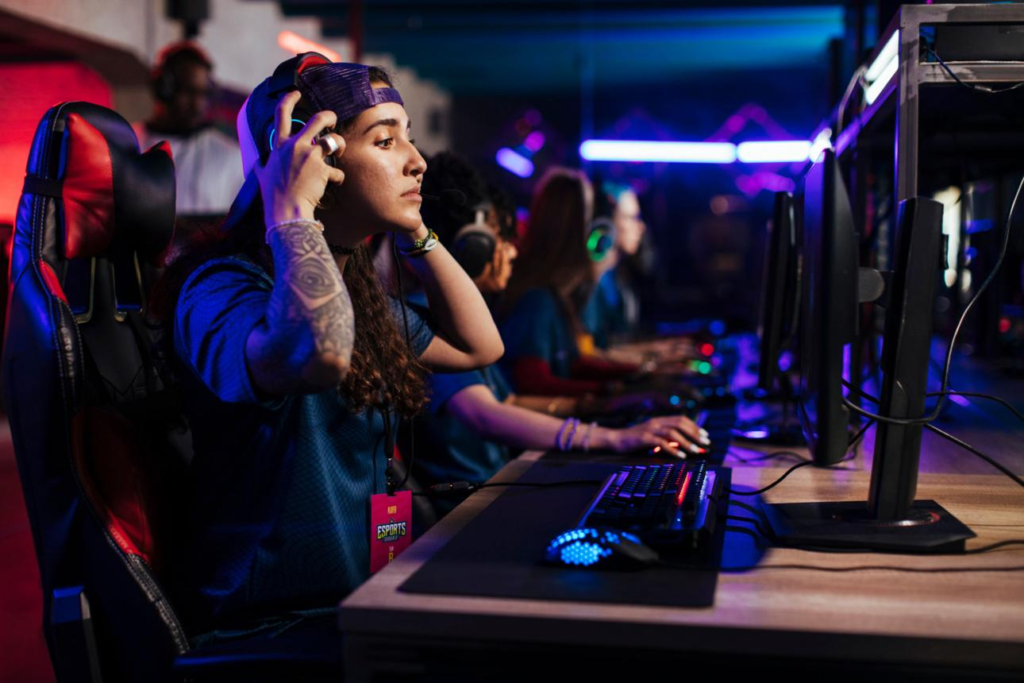
    First, consider your sensitivity. Low-sensitivity players benefit from lightweight mice, while high-sensitivity players may prefer more control.

    Second, think about your grip style. Claw and fingertip grips work best with smaller, lighter mice, while palm grip users may prefer larger designs.
    Third, focus on consistency. A reliable mouse with stable performance is more important than flashy features.

    Finally, consider comfort. A mouse that fits your hand well will improve your performance over time.


    Final Verdict

    Wireless FPS gaming mice have reached a point where they can fully compete with wired options. With improved sensors, low latency, and better battery life, they offer both performance and convenience.

    The Logitech G305 remains the best overall option for most players, offering a balance of performance and value. The Razer Orochi V2 is perfect for those who want a lightweight and portable solution, while the SteelSeries Rival 3 Wireless provides a more balanced experience.

    If you are looking to improve your FPS gameplay without spending too much, upgrading to a wireless gaming mouse under $50 is a smart and practical decision. With the right choice, you can enhance your aim, increase your comfort, and enjoy a cleaner, more efficient gaming setup.